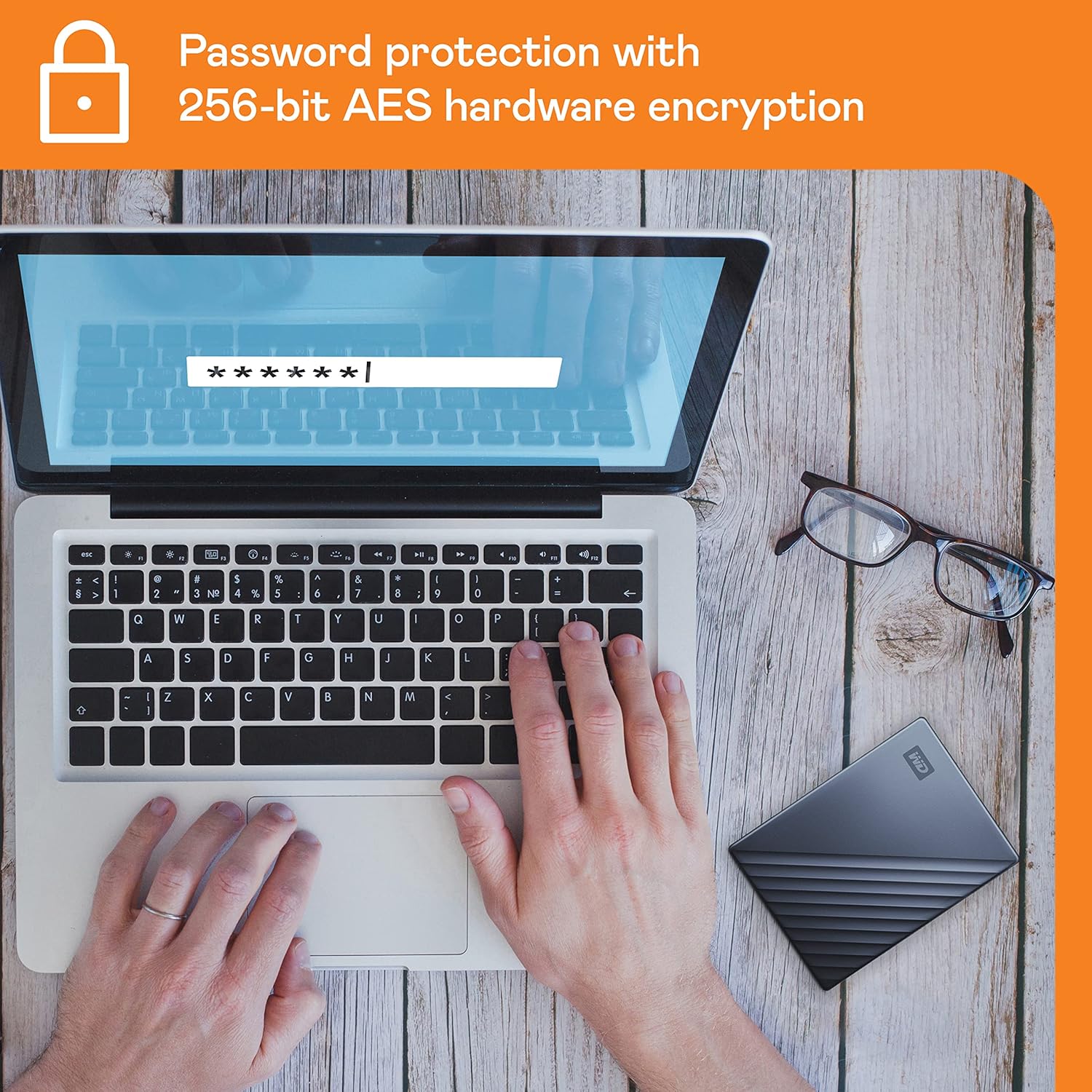
If you’ve been shopping for a portable hard drive and noticed WD advertising “ransomware protection” on the My Passport Ultra, you’re right to pause and ask: what does that actually mean? Ransomware is malicious software (malware) that encrypts your files and demands payment to unlock them — it’s become one of the most common causes of catastrophic data loss for individuals and small businesses alike. When a drive manufacturer puts “ransomware defense” on the box, the claim deserves scrutiny, not just trust. This article breaks down exactly which security layers the My Passport Ultra provides, which ones come from hardware and which from bundled software, and — critically — what none of them can do. By the end, you’ll have a clear decision framework for whether this drive fits your backup architecture or whether you’re paying for marketing language.
| EDITOR'S PICKWD 5TB My Passport Ultra | Mid-tierWD 4TB My Passport Ultra | Budget pick[SANDISK 1TB Extreme PRO Portabl…](https://www.amazon.com/dp/B08GV9M64L?tag=greenflower20-20) | |
|---|---|---|---|
| Capacity | 5TB | 4TB | 1TB |
| Interface | USB 3.1 | USB 3.1 | USB 3.2 Gen 2x2 |
| Defense vs Ransomware | ✓ | ✓ | — |
| Password Protection | ✓ | ✓ | — |
| Water/Dust Resist | — | — | IP65 |
| Price | $294.99 | $259.99 | |
| See on Amazon → | See on Amazon → | See on Amazon → |
What the My Passport Ultra Actually Includes: Hardware vs. Software
Let’s separate the two distinct security components, because conflating them is where most buying decisions go wrong.
Hardware-level: 256-bit AES hardware encryption. The drive’s internal controller chip encrypts every byte written to the platters using 256-bit AES (Advanced Encryption Standard) — the same cipher standard used by financial institutions and government agencies. This encryption is always on, whether you enable a password or not. What the password does is lock the encryption key: without it, the data on the raw platters is unreadable gibberish. Per Ars Technica’s overview of hardware encryption, this implementation means there’s no performance penalty from software-based encryption and no way to bypass it by removing the drive and connecting the platters to a different reader — the key lives on the controller, not the disk.
This is real, meaningful protection against one specific threat: physical theft. If someone grabs the drive from your bag, they get a brick without your password.
Software-level: WD Backup and the “ransomware protection” claim. Here’s where the marketing language starts to stretch. The ransomware defense WD references in its product materials is tied to the bundled WD Backup software, which runs scheduled automatic backups to the drive. The implicit logic: if ransomware encrypts your working files, you have recent backups on the external drive to restore from.
That is not hardware-level ransomware protection. That’s a backup schedule. There’s a meaningful difference, and it matters for your architecture decisions.
The Real Ransomware Risk: Why the Marketing Framing Is Incomplete
BleepingComputer’s reporting on how ransomware targets drives is instructive here. Modern ransomware variants — particularly those targeting home users and small businesses — do not stop at the local C: drive. They enumerate all mounted volumes, including USB drives currently connected to the machine. If your My Passport Ultra is plugged in when a ransomware payload executes, the bundled software’s backup schedule is irrelevant. The drive is a mounted volume, and it will be encrypted along with everything else.
Owners in aggregated review patterns confirm this gap without naming it directly: multiple buyers praise the drive’s reliability and speed, but none cite the ransomware protection as something they verified or relied on. The hardware is trusted; the protective software layer is effectively invisible to most users.
The only software-layer defense that changes this calculus is air-gapping: the drive is only connected during scheduled backup windows and physically disconnected (or powered off) otherwise. That’s a process discipline, not a product feature, and it works with any external drive, not just the My Passport Ultra.
By the numbers:
| Protection Layer | Threat It Addresses | Requires Drive to Be Disconnected? |
|---|---|---|
| 256-bit AES hardware encryption | Physical theft | No |
| Password lock | Unauthorized access (lost/stolen) | No |
| WD Backup scheduled jobs | File-level restore after infection | Yes — only if drive was offline |
| Air-gap discipline (user process) | Ransomware encryption of backup | Yes — mandatory |
The Bundled Software Question: Replace It or Keep It?
Owners consistently report that the free bundled WD Backup software is the drive’s weakest component. The refrain across aggregated reviews is blunt: the hardware is solid, the software is not worth the disk space. Multiple reviewers describe replacing it immediately — either with Acronis Cyber Protect (which offers active ransomware behavioral detection as a genuine software layer), with Macrium Reflect for image-level backups, or simply ignoring the software entirely and using the drive as dumb storage within a broader backup workflow.
PCMag’s review of the My Passport Ultra echoes this: the drive scores well on reliability and value per terabyte, with the software rated as functional but not competitive with third-party alternatives.
For a practitioner building a client backup architecture or protecting a high-value personal library, the recommendation is direct: treat the bundled software as disposable. The hardware — the 256-bit AES controller, the enclosure build quality, the USB 3.2 Gen 1 interface — is what you’re paying for. The software is a placeholder for users who don’t know to replace it.
If you’re evaluating this drive for a client with a Veeam or Acronis deployment already in place, the My Passport Ultra slots in as reliable connected storage that feeds the agent you’ve already licensed. The bundled software doesn’t enter the conversation.
Sequential Write Speed: Why It Matters for Large Backup Jobs
Tom’s Hardware’s portable HDD benchmark analysis and StorageReview’s roundups both show that the My Passport Ultra’s sequential write speeds have improved incrementally across generations. For large backup jobs — think a 500GB Lightroom catalog, a ProRes project directory, or a full system image — sequential write speed is the variable that determines whether a backup window fits into a workday or spills into overnight.
Across published specs and reviewer-reported benchmarks, the current generation of the My Passport Ultra posts sequential write speeds in the 110–130 MB/s range under USB 3.2 Gen 1. For context:
- A 500GB full image backup at 120 MB/s writes in roughly 70 minutes.
- A 2TB image backup at the same rate requires approximately 4.6 hours.
This is not fast by SSD standards — but for a portable spinning-platter drive at this price tier, it’s competitive. Owners who partition the drive (a pattern that appears repeatedly in reviews — one partition for full image backup, one for general file storage) report that the image partition performs predictably within that range on large sequential jobs.
The USB backward-compatibility story is also clean: the drive’s USB-A connector negotiates down gracefully to USB 2.0 on aging hardware, which matters if you’re supporting a mixed-vintage fleet. USB 2.0 throughput caps at around 35–40 MB/s in practice, so factor that into your backup window math on older machines.
Platform Compatibility and the Mac Time Machine Question
The My Passport Ultra ships pre-formatted for Windows (exFAT/NTFS). Mac users frequently ask whether they can use it with Time Machine (Apple’s built-in backup system) without reformatting. The answer is nuanced.
Time Machine in macOS Ventura and later requires APFS or HFS+ (Mac OS Extended) formatting. The My Passport Ultra, out of box, is formatted for Windows. Reformatting to HFS+ or APFS for Time Machine is straightforward using macOS Disk Utility — but it erases the drive, and it removes the WD hardware encryption integration that relies on the NTFS partition structure WD ships.
The tradeoff: you keep Time Machine compatibility, you lose the password-locked AES encryption UI that WD Backup provides. The underlying AES controller chip still encrypts the platters, but the software handshake that manages the key via password entry will no longer function after reformatting. For most Mac users, this is an acceptable tradeoff — Time Machine with FileVault enabled on the Mac itself provides sufficient encryption at rest. For users who specifically need the WD password-lock feature on a Mac, the My Passport for Mac model (which ships pre-formatted for HFS+) is the correct SKU.
What Happens If the Enclosure Fails?
This question comes up in owner reviews and it’s worth addressing directly, because the answer has backup architecture implications. If the drive enclosure (the USB controller board, the port, the power circuit) fails but the internal 2.5-inch spinning platter is physically intact, can you recover the data?
With the My Passport Ultra’s hardware encryption, the answer is complicated. Because the 256-bit AES encryption key is stored on the controller chip inside the enclosure — not on the platters themselves — a failed enclosure may mean the key is inaccessible, even if the platters are readable. In practice, data recovery specialists can sometimes retrieve the key if the controller chip is intact and can be transplanted to an identical controller board. But this is an expensive, uncertain process. Per Ars Technica’s hardware encryption explainer, this is the fundamental tradeoff of always-on hardware encryption: it makes physical theft recovery impossible for thieves, but it also makes enclosure failure recovery harder for you.
The practical implication: the My Passport Ultra is a backup target, not a backup itself. Treat it as one leg of a 3-2-1 strategy (three copies, two media types, one offsite), not as the single copy of anything irreplaceable.
Frequently Asked Questions
Does the password protection actually prevent ransomware from encrypting files on the drive?
No. The password protection locks the drive against unauthorized access when it’s disconnected — it prevents someone without the password from reading the drive. It does not protect against ransomware while the drive is connected and mounted, because the OS (and the ransomware running within it) already has authenticated access to the volume. The only defense against ransomware encrypting your backup drive is disconnecting the drive when it’s not actively backing up.
Can I use the My Passport Ultra with Time Machine on a Mac without reformatting?
Not effectively. Time Machine requires HFS+ or APFS formatting, and the My Passport Ultra ships formatted for Windows. You’ll need to reformat using macOS Disk Utility, which erases existing data and changes the partition structure. After reformatting, Time Machine will work, but WD’s password-lock encryption UI will no longer function. If Mac-native encryption integration matters, consider the My Passport for Mac SKU instead.
What happens to my data if the drive enclosure fails but the disk inside is fine?
Because the AES encryption key is stored on the enclosure’s controller chip, a failed controller can lock you out of the data even if the platters are physically intact. Professional data recovery may be possible if the controller chip itself survived and can be transplanted, but it’s expensive and not guaranteed. This is why the drive should hold backup copies rather than sole copies of irreplaceable data.
Is the bundled WD Backup software worth using or should I replace it immediately?
Replace it. Owners consistently report that the hardware is reliable and the software is not. For image-level backups, Macrium Reflect Free is a well-regarded replacement. For active ransomware behavioral protection alongside backup, Acronis Cyber Protect adds a genuine software-level defense layer that the bundled WD software does not offer.
Will the drive work with both USB 3.1 and older USB 2.0 ports on aging laptops?
Yes. The My Passport Ultra negotiates down to USB 2.0 on older hardware. Throughput will drop significantly — from the 110–130 MB/s range to roughly 35–40 MB/s — so adjust your backup window expectations accordingly. The drive is backward-compatible and will function correctly; it will just be slower.
The Decision Rule
If your threat model is physical theft: the My Passport Ultra’s always-on 256-bit AES hardware encryption is real and meaningful. It’s a solid choice.
If your threat model is ransomware: the drive’s bundled software does not provide genuine ransomware defense. Pair it with air-gap discipline (disconnect when not actively backing up) and replace the software with Acronis or Macrium Reflect. The hardware is fine; the protection comes from your process, not the product marketing.
If you’re building a 3-2-1 architecture: the My Passport Ultra is a reasonable local leg — reliable, compact, and competitively priced per terabyte — but it must be paired with an offsite or cloud copy. No single external drive, regardless of marketing claims, is a complete backup strategy.