A DAS enclosure — Direct-Attached Storage, meaning a box that holds multiple hard drives and plugs straight into your computer via USB or Thunderbolt — is one of the most practical ways to get serious local backup capacity without building a full network-attached server. You install your own drives (or buy the unit pre-loaded), plug it in, and your operating system sees it as external storage. Two-bay models are the sweet spot for home and small-office use: enough capacity to run RAID 1 (where the same data is mirrored across two drives simultaneously, so one drive can fail without any data loss) or JBOD (just a bunch of disks, treated as separate volumes), at a price point that doesn’t require a capital-budget conversation. This article cuts through the marketing and names honest tradeoffs across three commonly considered options — the CENMATE two-bay enclosure, the TerraMaster D2 series, and the WD My Book Duo — so you can make a clear-eyed decision. One of these products has a flaw serious enough to be disqualifying for backup use. We’ll start there.
| EDITOR'S PICKWD 16TB My Book Duo Desktop RAI… | Mid-tier[CENMATE Aluminum 4 Bay Hard Dri…](https://www.amazon.com/dp/B0DD3GSSCX?tag=greenflower20-20) | Budget pick[CENMATE Aluminum 2 Bay Hard Dri…](https://www.amazon.com/dp/B0DD3GSZBP?tag=greenflower20-20) | |
|---|---|---|---|
| Capacity | 16TB | 80TB | — |
| Drive Bays | 2 | 4 | 2 |
| RAID Support | ✓ | ✓ | ✗ |
| Interface | USB 3.1 | USB 3.0 | USB 3.0 |
| Cooling Fan | — | ✓ | ✓ |
| Hot Swap | — | — | ✓ |
| Price | $819.99 | $129.99 | $46.39 |
| See on Amazon → | See on Amazon → | See on Amazon → |
The WD My Book Duo’s Proprietary Encryption Problem Is a Deal-Breaker for Backup
Let’s put the most important finding up front: the WD My Book Duo encrypts your data at the hardware level, and that encryption cannot be disabled. The drives inside the enclosure are processed by WD’s proprietary RAID controller before your operating system ever sees them. If the enclosure fails — not the drives, the enclosure itself — you cannot simply pull the drives, slot them into another enclosure or a USB-to-SATA adapter, and access your files. The data is cryptographically locked to that specific controller.
This is not a theoretical concern. Tom’s Hardware’s review and specifications coverage of the WD My Book Duo notes the always-on hardware encryption, and aggregated owner feedback documented in that coverage includes multiple accounts of data becoming inaccessible after controller-board failure — even when the drives themselves remained physically healthy. WD’s own support documentation, referenced in Tom’s Hardware’s product analysis, acknowledges that the hardware encryption is always-on and non-removable.
For a media drive or a scratch workspace, that risk profile may be acceptable. For backup — where the entire job of the device is to give you your data back when something goes wrong — it’s a fundamental architectural failure. The first rule of backup hardware is that you can recover your data without depending on the specific device you backed it up to. The WD My Book Duo violates that rule by design.
One practical cable finding worth preserving from owner reports: long-term WD My Book Duo users have traced intermittent “RAID Configuration Error” alerts — the kind that triggers genuine panic about array corruption — to excessively long USB cables. USB 3.0 has real cable-length limits (generally 3 meters, or roughly 10 feet, for passive cables before signal degradation begins), and multi-drive enclosures are more sensitive to this than simple single-drive externals. If you’re using any USB-connected DAS and seeing mysterious mount errors or RAID alerts, cable length is the first variable to eliminate before assuming drive or array failure.
That said: even with this cable insight noted as genuinely useful, the encryption architecture removes the WD My Book Duo from our recommendation list for backup use. It’s acceptable as a primary working drive if you understand and accept the risk. As a backup destination, it fails the most basic requirement of the category.
Comparing the Three Enclosures
CENMATE Two-Bay: Budget-Accessible, Honest, and Audible
CENMATE
$46.39
In stock on Amazon
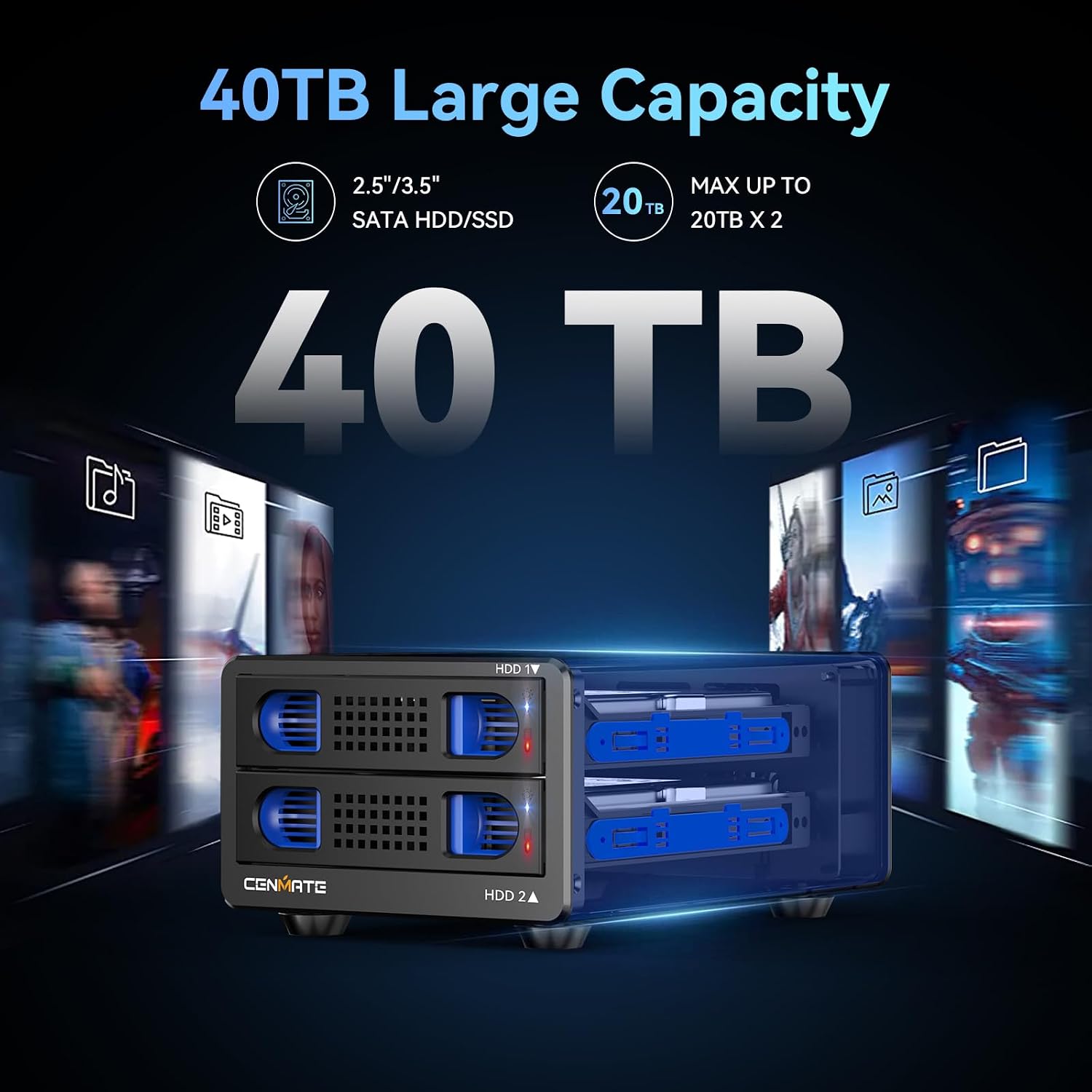
Check price on AmazonThe CENMATE two-bay DAS enclosures occupy a value-forward position in this category. Owner feedback aggregated across multiple hardware review sources consistently identifies three positives: tool-less drive installation caddies, aluminum chassis construction (which aids passive heat dissipation and reduces reliance on active cooling), and hot-swap support — meaning you can swap a drive without powering the unit down, which matters when doing drive migrations or testing spare drives.
The tradeoffs are equally consistent. The fan is audible. This is not a silent drive enclosure, and in a quiet home office it will be present in your ambient awareness. The volume is generally described as a steady hum rather than an intrusive whine, but it’s worth knowing before you position the enclosure two feet from your desk. The second constraint: CENMATE enclosures require AC power via the included adapter. USB handles data; AC handles power for the drives. This is normal for any multi-drive enclosure using spinning hard drives — two HDDs draw more wattage than any USB port can supply — but it means adding a wall outlet and power brick to your setup.
One meaningfully useful finding from owner reports: CENMATE enclosures are confirmed compatible with shucked WD Easystore drives — meaning you buy the Easystore external drive, open the plastic casing, and install the bare internal drive in the CENMATE caddy. The 20TB Easystore variant has been confirmed working in CENMATE bays. At the time of writing, shucking remains one of the lowest cost-per-terabyte paths to large-capacity storage, though it requires comfort with mild DIY handling and some drive compatibility research. The CENMATE’s tool-less caddy design makes the process less fiddly than screw-mounted alternatives.
The CENMATE has no hardware encryption. Drives can be pulled and read in another enclosure or SATA adapter. That is the baseline requirement for any backup device, and CENMATE clears it cleanly.
CENMATE
$46.39
In stock on Amazon
Check price on AmazonTerraMaster D2 and D4-320: The Option You Configure Yourself
CENMATE
$129.99
In stock on Amazon
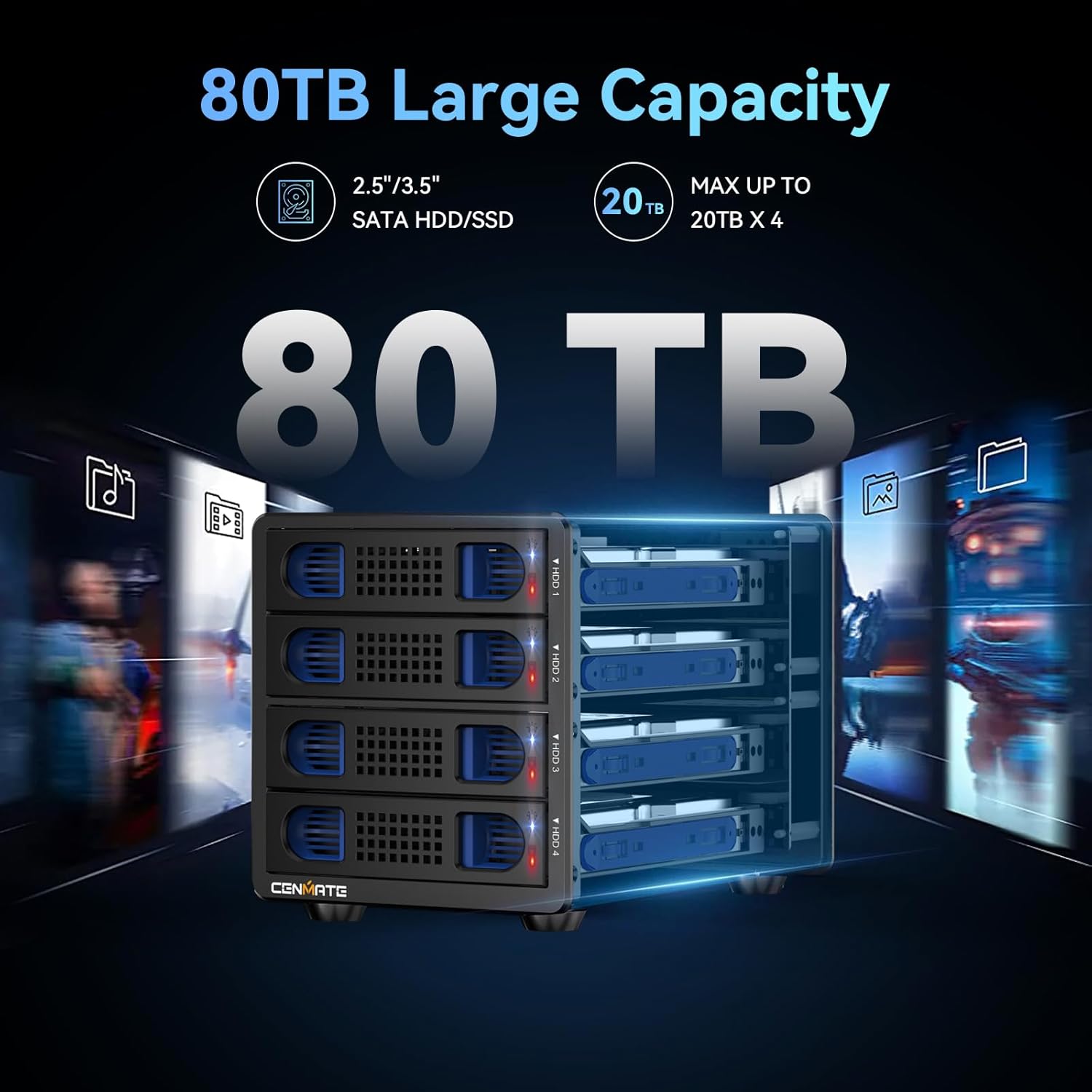
Check price on AmazonThe TerraMaster D4-320 is technically a four-bay unit, but it’s the most discussed TerraMaster DAS in the two-to-four bay home and prosumer category, and warrants inclusion here because buyers comparison-shopping two-bay DAS units frequently consider it as a step-up. TerraMaster’s two-bay D2 series shares the same engineering philosophy and the same key caveat.
PCMag’s external storage coverage identifies TerraMaster DAS hardware as performing reliably over extended continuous-use periods — but with one recurring practical finding that appears across long-term owner accounts as well: discard the stock cable immediately and replace it with a quality third-party alternative before you trust the device with your data.
This is not casual advice. Multiple long-term TerraMaster owners report that the included USB or USB-C cable produces unreliable connections, dropped mounts, or degraded throughput — and that swapping to a reputable replacement cable resolves the issue permanently. One reviewer running four 22TB enterprise-class drives in a software RAID 10 configuration on Linux reported zero issues over 18 months of continuous operation after replacing the stock cable. That’s a meaningful data point: the hardware can handle demanding workloads reliably once the weak-link cable is removed from the equation.
A question that surfaces frequently: TerraMaster D-series DAS enclosures do not require TerraMaster’s TOS operating system. TOS runs on TerraMaster NAS products, which have their own onboard processors and RAM. The DAS enclosures are pure pass-through storage — your computer’s operating system manages the drives entirely. You can run software RAID via macOS Disk Utility, Windows Storage Spaces, or mdadm on Linux. The enclosure has no firmware intelligence layer; it’s a powered SATA-to-USB bridge with good thermal management and a solid chassis. This makes it more flexible than TerraMaster’s NAS siblings, not less.
Like CENMATE, TerraMaster DAS enclosures use standard drive interfaces with no hardware encryption. Drives are readable in other enclosures or SATA adapters.
CENMATE
$129.99
In stock on Amazon
Check price on AmazonWD My Book Duo: Premium Price, Proprietary Lock-In
WD
$819.99
In stock on Amazon
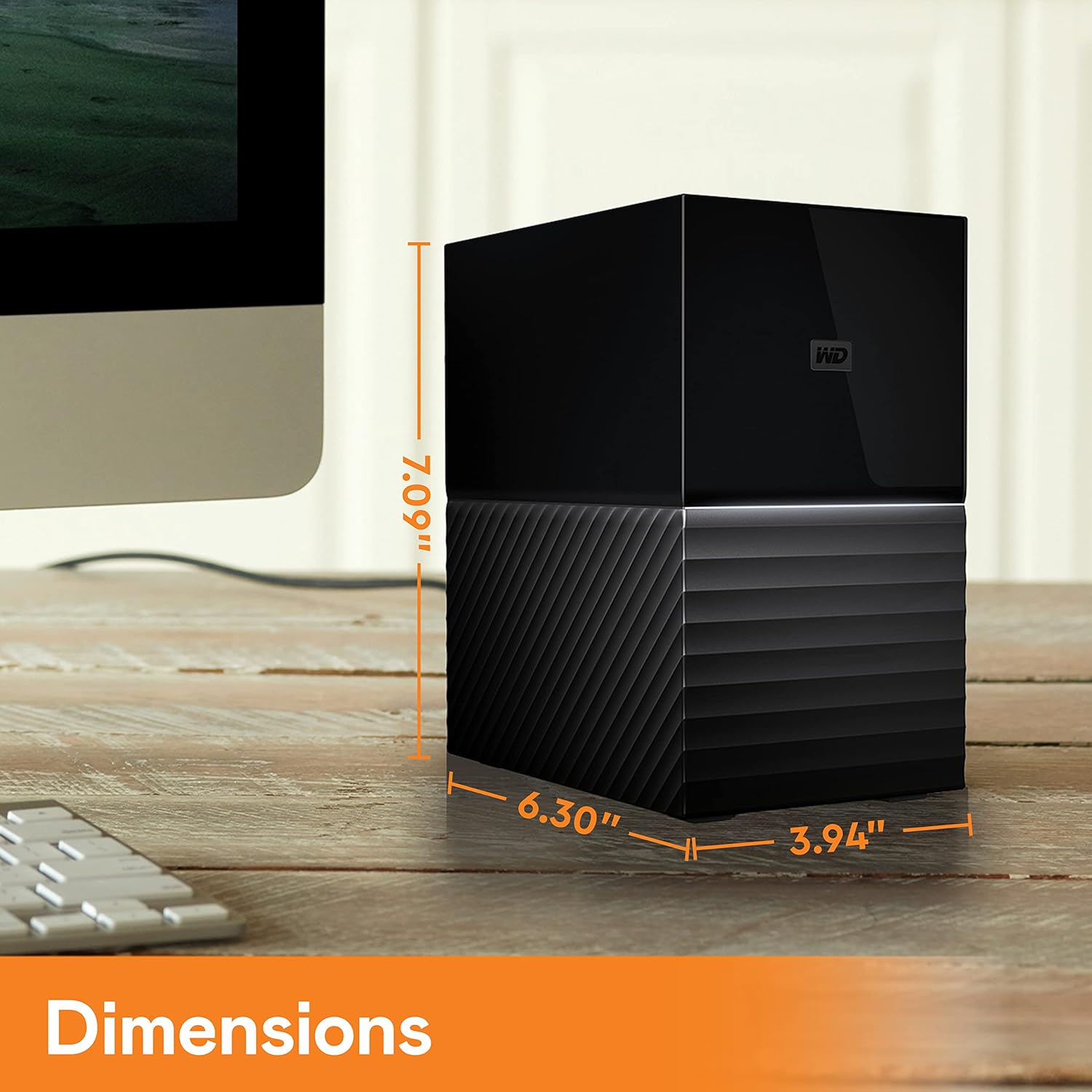
Check price on AmazonThe WD My Book Duo is the most recognizable name in this category and benefits from WD’s broad retail presence and brand trust. It arrives pre-loaded with drives, ships in a quiet chassis compared to the CENMATE, and presents a polished plug-and-play experience that requires no drive sourcing or configuration.
What it cannot offer is drive portability. As described above, the always-on hardware encryption means the drives inside the My Book Duo are permanently bound to the enclosure’s controller. Backblaze’s hard drive reliability statistics — published in Backblaze’s Hard Drive Stats Q4 2025 report — show annualized failure rates in the 1–3% range for consumer drives in their first three years. That failure risk applies equally to the enclosure controller as to the drives themselves. In a standard enclosure, a failed controller means you swap the enclosure and read your drives elsewhere. In the My Book Duo, a failed controller means your data is gone.
For buyers who understand this limitation and intend to use the My Book Duo as a working storage volume — not as a backup destination — the polish and quieter operation are genuine advantages. For buyers who need a backup device, the proprietary encryption is disqualifying by definition.
WD
$819.99
In stock on Amazon
Check price on AmazonSide-by-Side at a Glance
| Feature | CENMATE 2-Bay | TerraMaster D2 | WD My Book Duo |
|---|---|---|---|
| Hardware encryption | None | None | Always-on, non-disableable |
| Drives portable to another enclosure? | Yes | Yes | No |
| Requires AC power adapter | Yes | Yes | Yes |
| Fan audibility | Noticeable hum | Moderate | Quieter |
| Stock cable quality | Acceptable | Replace immediately | Acceptable |
| Shucked drive compatibility | Confirmed (WD Easystore 20TB) | Community-reported good | Moot — proprietary lock-in |
| Recommended for backup use | Yes | Yes | No |
The Restore Test Is the Only Test That Counts
StorageReview’s DAS enclosure roundup coverage and Ars Technica’s widely-cited article “Why Your RAID Is Not a Backup” both make the same foundational point: RAID 1 mirroring protects against a single drive failure, but it does not protect against accidental deletion, ransomware, controller failure, or enclosure failure — especially enclosure failure when proprietary hardware encryption is involved. Backblaze’s Hard Drive Stats Q4 2025 report continues to show annualized failure rates in the 1–3% range for consumer drives in their first three years, which sounds manageable until you are the specific owner whose drive failed.
Whatever enclosure you use, the backup is only real if you have tested a restore. This means: every 90 days at minimum, pull a random file or folder from the backup volume and confirm you can open it on a different machine, or on the same machine without any backup software’s assistance. If you cannot complete that walk-through, you have storage — not a backup. CENMATE and TerraMaster both support this test cleanly: pull a drive, plug it into a USB-to-SATA adapter, read the data on any machine. The WD My Book Duo fails this test by design, which is precisely why it cannot be recommended as a backup device.
Frequently Asked Questions
Can I pull a drive from a WD My Book Duo and read it in another enclosure if the unit fails? No. WD My Book Duo drives are encrypted by the enclosure’s proprietary hardware controller. If the enclosure fails, the drives cannot be read in any other enclosure or SATA adapter without the original functional controller board. This is the primary reason the WD My Book Duo is not recommended for backup use.
Does the CENMATE enclosure require its own power adapter, or does it run off USB alone? CENMATE enclosures require the included AC power adapter for the drives. USB carries data only. This is standard for any multi-drive enclosure with spinning hard drives; bus power from USB cannot supply sufficient wattage for two HDDs simultaneously.
Will the TerraMaster D4-320 work as plain storage without TerraMaster’s TOS operating system? Yes. TerraMaster DAS enclosures are passive USB or Thunderbolt bridges — they have no onboard CPU, RAM, or operating system. TOS runs only on TerraMaster NAS units. Your computer’s OS manages the drives directly; you can use macOS, Windows, or Linux storage management tools without any TerraMaster software.
What is the maximum single drive size these enclosures support? Both CENMATE and TerraMaster current-generation units generally support drives up to 20TB or larger, but the confirmed maximum varies by specific model revision. Check the manufacturer’s current compatibility list for your exact model number before purchasing large-capacity drives. Owner reports confirm 20TB drives, including shucked WD Easystore units, working in CENMATE bays.
Is the fan in these enclosures replaceable after the warranty period? Generally yes for both CENMATE and TerraMaster, as both use standard 40mm or 60mm case fans available as commodity parts. Replacement requires opening the chassis and matching the fan dimensions and connector type. Neither manufacturer sells official replacement fans as listed spare parts, so community teardown documentation is your best resource for identifying the correct replacement specification.
The Decision Rule
If your priority is recoverable backup with no vendor lock-in: CENMATE or TerraMaster. Both use standard drives with no hardware encryption, both support hot-swap, and both let you pull a drive and verify your data independently of the enclosure. Replace the TerraMaster stock cable before trusting it with anything. Accept that CENMATE will be audible in a quiet room.
If you’re considering the WD My Book Duo for backup: don’t. Use it for working storage if you want, but pair it with a separate, controller-agnostic backup device. The encryption architecture means you’re one controller failure away from permanent data loss — and that is exactly the scenario a backup exists to prevent.
If you’re shucking drives to reduce cost per terabyte: CENMATE’s confirmed compatibility with WD Easystore 20TB drives makes it the natural pairing for cost-optimized large-capacity home backup. The shucking path requires comfort with mild hardware handling, but it’s the most practical way to reach high-capacity storage at meaningfully lower cost than pre-loaded retail options.
The 3-2-1 reminder: a local DAS, however good, is one leg of a complete backup architecture. Your second copy should live on a different physical device, ideally in a different location, and your third copy should be offsite. A cloud backup subscription closes that loop. A single DAS in a single room is still a single point of failure — it’s a necessary piece of the architecture, not the complete architecture by itself.