
If you’ve ever plugged a portable SSD — a small, palm-sized solid-state drive that connects via USB cable — into your laptop and watched a file transfer crawl well below what the box promised, you’re not alone, and you’re not doing anything wrong. Manufacturers advertise peak sequential read speeds (the fastest possible rate under ideal lab conditions, moving one large, contiguous file) that rarely survive contact with a real creative workflow. For photographers, video editors, or anyone moving multi-gigabyte RAW or ProRes files under deadline, the gap between the spec sheet and the job site matters. This article breaks down three drives that dominate the conversation in 2026 — the SanDisk Extreme, the Samsung T7 Shield, and the Samsung T9 — comparing what their makers claim, what independent reviewers and owners consistently report, and the specific tradeoffs you need to weigh before committing.
| EDITOR'S PICK[Samsung T7 Shield 2TB](https://www.amazon.com/dp/B09VLHR4JC?tag=greenflower20-20) | Mid-tierSANDISK 2TB Extreme Portable SS… | Budget pickSANDISK 1TB Extreme PRO Portabl… | |
|---|---|---|---|
| Capacity | 2TB | 2TB | 1TB |
| Max Speed | 1050MB/s | 1050MB/s | 2000MB/s |
| Interface | USB 3.2 Gen2 | USB 3.2 Gen 2 | USB 3.2 Gen 2x2 |
| Price | $489.99 | $278.25 | |
| See on Amazon → | See on Amazon → | See on Amazon → |
The Speed Gap Is Real — and Mostly Explainable
Let’s name the core issue directly: every advertised speed figure is a best-case ceiling, not a floor you can count on. Understanding why closes most of the gap between expectation and reality.
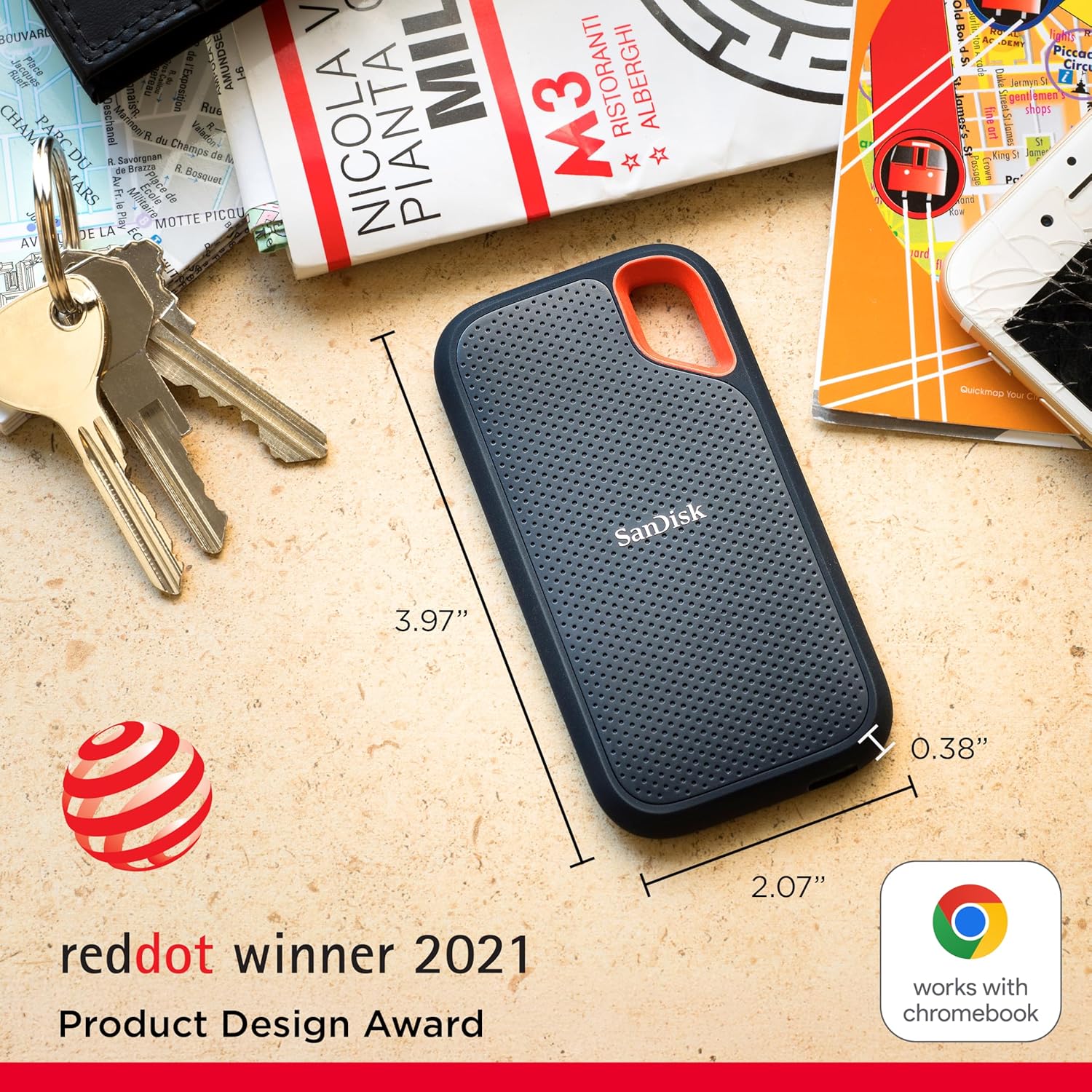
SanDisk Extreme (Gen 2, up to 1,050 MB/s rated)
Owners and independent reviewers consistently report sustained real-world speeds in the 1,000–1,050 MB/s range when transferring large batches of RAW files or uncompressed video — which is unusually close to rated spec for this product class. PCMag’s review of the SanDisk Extreme Pro portable SSD noted that sequential read performance held up well across large transfers, placing it among the more honest speed claims in the portable SSD category.
One insight worth flagging: a recurring theme across long-form reviews is that negative speed reports for the SanDisk Extreme often trace back to flawed testing methodology. Specifically, reviewers who see disappointingly slow numbers are frequently testing small files or running repeated passes of the same file — both scenarios where the operating system’s disk cache (a temporary memory buffer the OS uses to speed up repeat reads) inflates or distorts the measurement. That’s not a drive limitation; it’s a measurement artifact. Tom’s Hardware’s portable SSD benchmark roundup addresses this directly, recommending that testers use files larger than available RAM and disable OS caching in benchmark tools to isolate actual drive performance.
SANDISK
$278.25
In stock on Amazon
Check price on AmazonSamsung T7 Shield (Gen 2, up to 1,050 MB/s rated)
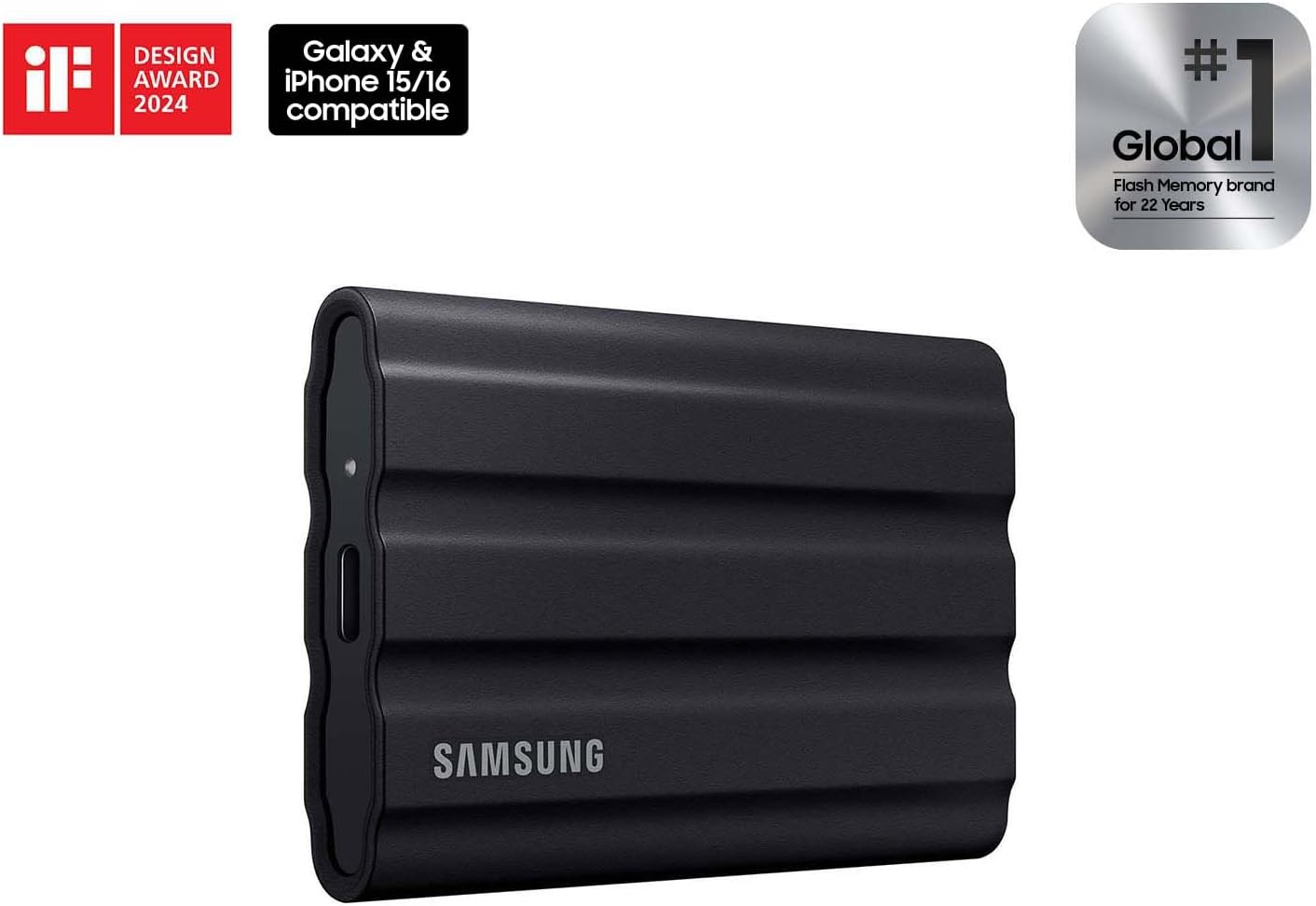
The T7 Shield sits in the same USB 3.2 Gen 2 performance tier as the SanDisk Extreme. StorageReview’s analysis of the Samsung T7 Shield confirmed sequential performance in the expected range for this interface class. What makes the T7 Shield stand out in aggregated owner feedback, however, isn’t raw speed — it’s thermal behavior. Owners consistently praise the absence of heat buildup even under sustained large transfers, a problem that causes some competing drives to throttle (deliberately slow down to prevent overheating) mid-transfer. On long ingests — think a two-hour 4K timeline or a 500 GB RAW shoot dump — thermal throttling can quietly cut effective throughput by 30–50%. The T7 Shield’s rubber-armored housing appears to help dissipate heat effectively, and multiple reviewers confirm seamless Mac compatibility without driver friction.
SANDISK
$278.25
In stock on Amazon
Check price on AmazonSamsung T9 (Gen 2×2, up to 2,000 MB/s rated)
The T9 is the outlier in this group. It uses USB 3.2 Gen 2×2 — a standard that doubles the lane bandwidth compared to standard Gen 2, reaching a theoretical ceiling of 2,000 MB/s. TechRadar’s review of the Samsung T9 portable SSD confirmed that the drive can approach that ceiling in ideal conditions. Here’s the critical caveat: almost no current laptop or desktop features a USB-C port that supports Gen 2×2. Most machines top out at Gen 2 (10 Gbps), which caps the T9 at roughly the same 900–1,050 MB/s you’d see from a T7 Shield or SanDisk Extreme on the same port. The host port is the limiting factor, not the drive. The T9 is a forward-looking purchase that delivers its full speed only when connected to a 20 Gbps-capable port.
Samsung MU-PE2T0S/AM
$489.99
In stock on Amazon
Check price on AmazonBy the Numbers
| Drive | Rated Speed | Real-World (Gen 2 port) | Interface | Thermal Throttle Reports |
|---|---|---|---|---|
| SanDisk Extreme | 1,050 MB/s read | ~1,000–1,050 MB/s (large files) | USB 3.2 Gen 2 | Occasional on sustained writes |
| Samsung T7 Shield | 1,050 MB/s read | ~950–1,030 MB/s | USB 3.2 Gen 2 | Rare — heat management praised |
| Samsung T9 | 2,000 MB/s read | ~1,000–1,050 MB/s on Gen 2; ~1,800–1,950 MB/s on Gen 2×2 | USB 3.2 Gen 2×2 | Not widely reported |
Sources: Tom’s Hardware portable SSD benchmark roundup; TechRadar Samsung T9 portable SSD review; StorageReview Samsung T7 Shield analysis; PCMag SanDisk Extreme Pro portable SSD review.
Direct Editing, Endurance, and the Backup Implication
A pattern that keeps surfacing across all three product lines is that buyers aren’t just using these drives for backup and offload — they’re editing directly from them. Tom’s Guide’s Best Portable SSDs roundup flagged direct-editing use cases as a primary driver of portable SSD purchases, not an edge case. Film production reviewers covering the SanDisk Extreme Pro line have described it as a genuine workflow shift for on-set storage, allowing crews to hand off drives to editors without an intermediate copy step.
This matters because it changes the endurance calculus. Portable SSDs carry a TBW rating — terabytes written — that defines the warranted write endurance. A drive used exclusively for backup (occasional large writes, mostly reads) lives a very different life than one used as a primary editing volume with constant random reads and writes. The SanDisk Extreme carries a TBW rating in the range of 200–400 TB depending on capacity; the Samsung T9 is rated comparably. For a working video editor writing and rewriting project files daily, long-run reviewer observations suggest performance remains stable after a year of disciplined creative use — but treating these drives as NVMe desktop replacements on an ongoing basis would accelerate wear relative to a backup-primary architecture.
The backup implication is direct: if you’re editing from a portable SSD, that drive is not your backup — it’s your working copy. Your 3-2-1 architecture (three copies, two media types, one offsite) needs to account for the fact that your “local copy” is a drive being actively stressed. Factor this into your rotation plan, and ensure at least one copy lives in a cloud tier like Backblaze B2 or an equivalent offsite location.
Durability Claims: What IP65 and IP55 Actually Mean
All three drives carry some form of physical protection rating. The Samsung T7 Shield and Samsung T9 are rated IP65 — meaning they’re protected against dust ingress and low-pressure water jets from any direction. The SanDisk Extreme carries an IP55 rating, which means limited dust protection and water spray protection from any direction, but with less completeness than IP6x on the dust side.
IP65 does not mean submersion. It does not mean monsoon-proof or extended rain exposure. It means a sustained, directed water stream — think a garden hose at close range — won’t immediately damage the drive. Light rain and splashes sit comfortably within that protection envelope. Leaving a drive on a rain-soaked set for 20 minutes is outside the tested envelope. Reviewers and owners who work outdoors consistently characterize IP65 as a meaningful daily-use durability buffer, not a green light for aquatic adventures.
The T7 Shield’s rubber housing adds drop protection beyond the IP rating. Long-run owner reviews note genuine confidence taking it into rough field conditions. The SanDisk Extreme’s build quality receives consistent praise as a durable kit staple, with multiple reviewers noting it holds up after a year or more of daily use without measurable performance degradation.
The SanDisk Extreme vs. Extreme Pro Question
The SanDisk Extreme Pro carries a higher price and a higher rated speed — up to 2,000 MB/s via its interface implementation. The standard Extreme tops at 1,050 MB/s. For most Gen 2-port users — which represents the majority of laptops in active use as of 2026 — the Pro’s speed ceiling is inaccessible, making the standard Extreme the more rational value. PCMag’s SanDisk Extreme Pro portable SSD review noted explicitly that the Pro’s performance premium only materializes on appropriately spec’d hosts, which is a straightforward argument for the standard Extreme as the default choice for most creative workflows today. The Pro makes sense if you have a Thunderbolt 4 or USB4 machine with proper Gen 2×2 or equivalent host bandwidth, or if you’re explicitly buying ahead of a known hardware upgrade.
Frequently Asked Questions
Do I need a special port to get the Samsung T9’s full 2,000 MB/s speed? Yes. The T9 requires a USB 3.2 Gen 2×2 port, which provides 20 Gbps of bandwidth. Most current laptops top out at USB 3.2 Gen 2 (10 Gbps). On a standard Gen 2 port, the T9 performs roughly on par with the T7 Shield or SanDisk Extreme. Check your machine’s USB port specification before buying the T9 for its headline speed.
Can I edit 4K video directly from a portable SSD without lag? For most 4K workflows — H.264, H.265, even ProRes 422 — a drive sustaining 900+ MB/s read is more than adequate. ProRes 4444 or 8K RAW workflows are more demanding; check your codec’s required sustained read rate against what the drive delivers at steady state, not peak burst. Reviewers across all three drives report successful direct-editing workflows for standard 4K production.
Why does my SSD show slower speeds than advertised? Three common culprits: OS disk caching inflating or distorting benchmark results; small file transfers (which stress random read/write rather than sequential throughput); and host port bottlenecks. Cable quality is a frequently overlooked fourth factor — some USB-C cables are not rated for full Gen 2 bandwidth, and using an underpowered cable can silently constrain throughput.
Does the IP65 rating mean I can use these drives in rain? IP65 means protection against directed water jets. Light rain and splashes are within the protection envelope. Extended submersion or prolonged heavy rain exposure are not. Treat IP65 as a meaningful daily-use buffer, not a waterproof guarantee.
How do portable SSDs hold up after a year of daily creative use? Reviewers covering long-run use across all three lines report stable performance after a year of regular use, provided the drives aren’t serving as constantly-rewritten primary volumes. Flash storage degrades with write cycles; a drive used primarily for offload and file transport faces far less wear than one serving as a live editing scratch disk. Monitor your drive’s TBW consumption if you’re writing heavily and regularly.
Is the SanDisk Extreme Pro worth the premium over the standard Extreme? For most users with current-generation laptops: no. The Pro’s speed advantage requires a 20 Gbps host port to materialize, as documented in PCMag’s SanDisk Extreme Pro review. If your machine is Thunderbolt 4 or USB4 equipped, the Pro is a legitimate upgrade. Otherwise, the standard Extreme delivers essentially equivalent real-world performance at a lower price point.
The Decision Rule
Here’s the if/then framework:
-
If you have a Gen 2 port (most laptops) and want maximum thermal reliability for sustained transfers: the Samsung T7 Shield is the cleaner choice — the heat management advantage is real, documented by StorageReview’s analysis, and Mac compatibility friction is absent. SANDISK — $278.25
-
If you want the best sustained real-world throughput at Gen 2 speeds and a track record with film and photo production crews: the SanDisk Extreme (or Extreme Pro if you have the right port) has the owner depth and reliability history to support it, as reflected across PCMag and Tom’s Hardware coverage. SANDISK — $278.25
-
If you have a Gen 2×2-capable machine today, or are buying ahead of a known hardware upgrade: the Samsung T9 is the right call — it’s the only drive in this group that won’t become the bottleneck when your hardware catches up, and TechRadar’s T9 review confirms it delivers near its rated ceiling on appropriate hardware. Samsung MU-PE2T0S/AM — $489.99
In all three cases: these are your working drives, not your backup. Whatever lives on them should also live somewhere else — on a NAS, in a cloud storage tier, or both. An untested backup is no backup. Schedule a restore test from wherever your offsite copy lives before you’re in a situation where you need it urgently.