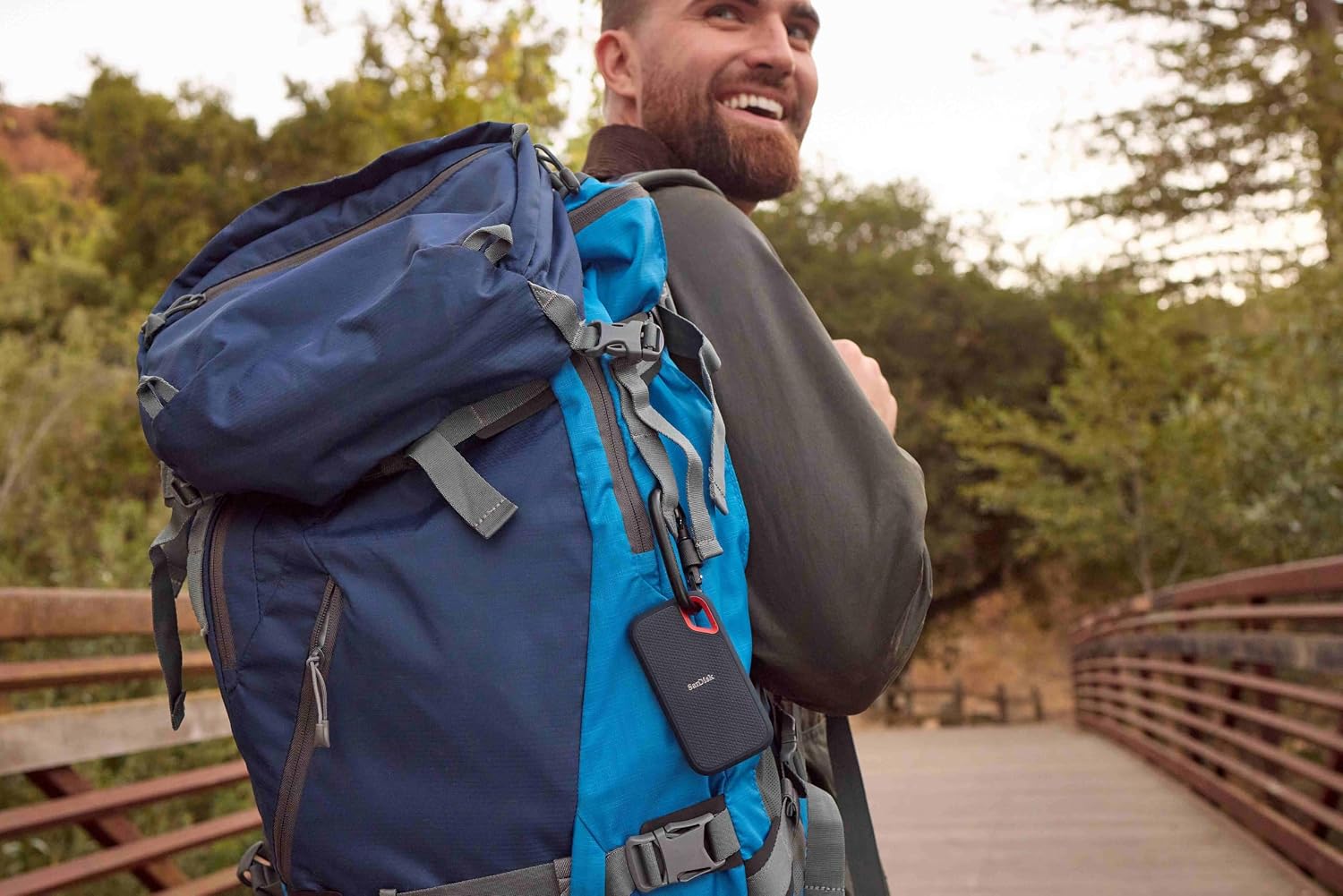
If you shoot video on an iPhone 16 Pro or 17 Pro — or any Android flagship with a serious camera app — you have already discovered that the phone’s internal storage fills up at a pace that feels almost aggressive. ProRes 4K (a high-quality video format Apple uses that records with far less compression than standard video, preserving detail for editing) and RAW photo formats eat storage fast: a single minute of ProRes 4K HQ on an iPhone can consume roughly 6 GB. The solution most working videographers land on is a portable SSD — a small, solid-state storage drive about the size of a thick credit card — plugged directly into the phone and used as a live recording destination, not just a backup. That is the decision this article is about. We have synthesized published specs, aggregated buyer feedback, and editorial coverage from PCMag, Tom’s Hardware, TechRadar, StorageReview, Tom’s Guide, and Creative Bloq to help you pick the right drive for how you actually shoot.
This guide is for the practitioner who already knows what a Gen 2x2 port is but has not had time to untangle the MagSafe marketing from the actual mount specs, or who wants to understand why their new drive is not hitting its advertised speed before they return it. We will name tradeoffs directly, show the math, and close with a clear decision framework.
| EDITOR'S PICK[Samsung T7 Shield 2TB](https://www.amazon.com/dp/B09VLHR4JC?tag=greenflower20-20) | Mid-tier[SANDISK 2TB Extreme Portable SS](https://www.amazon.com/dp/B0GMX4CN7X?tag=greenflower20-20)… | Budget pick[SANDISK 1TB Extreme PRO Portabl](https://www.amazon.com/dp/B08GV9M64L?tag=greenflower20-20)… | |
|---|---|---|---|
| Capacity | 2TB | 2TB | 1TB |
| Max speed | 1050MB/s | 1050MB/s | 2000MB/s |
| Interface | USB 3.2 Gen 2 | USB 3.2 Gen 2 | USB 3.2 Gen 2x2 |
| Model gen | — | Old Model | — |
| Price | $489.99 | $278.25 | |
| See on Amazon → | See on Amazon → | See on Amazon → |
The Active-Capture Shift: Why “Backup Drive” Is the Wrong Mental Model
Most storage marketing positions portable SSDs as backup destinations — you shoot to internal storage, then copy files later. That model breaks down with ProRes and RAW workflows because the files are too large and the shoots are too long.
A growing segment of video professionals now use portable SSDs as primary capture media, meaning the phone records directly to the external drive in real time. TechRadar’s best portable SSDs roundup and Tom’s Guide’s coverage titled “Best SSDs for iPhone and ProRes Recording” both document this shift in how working shooters deploy external storage. This demands something different from the drive: it is not about peak sequential read speed (how fast the drive delivers data to a reader), it is about sustained sequential write speed (how fast the drive accepts an unbroken stream of incoming data without slowing down). If the drive throttles — drops speed under thermal or cache pressure — you get dropped frames or recording errors, not just a slower copy later.
By the numbers: what ProRes actually demands
| Format | Approximate Bitrate | Minimum Sustained Write Needed |
|---|---|---|
| ProRes 4K 30fps (Standard) | ~1.7 Gbps (~212 MB/s) | ~220 MB/s with headroom |
| ProRes 4K 60fps (HQ) | ~3.4 Gbps (~425 MB/s) | ~450 MB/s with headroom |
| Apple ProRes RAW (iPhone 17 Pro) | Variable, up to ~500 MB/s | ~550 MB/s to be safe |
That last row is where drives start failing. A drive rated “up to 1,000 MB/s write” on the box may sustain only 400–600 MB/s under real load, depending on thermal design and DRAM cache. StorageReview, in their published review titled “Lexar Professional GO SSD Review,” confirms the drive handles ProRes RAW from the iPhone 17 Pro without frame-drop issues under sustained write conditions — a meaningful benchmark for anyone planning to use that format on a paid shoot.
Drive-by-Drive: Where Each One Fits
SanDisk Extreme and Extreme PRO
The SanDisk Extreme is the volume leader in this category — widely deployed, well-understood, and genuinely versatile. Owners consistently describe it as a dual-purpose tool: backup drive during the day, active editing or even gaming storage in the evening. PCMag, in their review titled “SanDisk Extreme Pro Portable SSD Review,” characterizes it as a reliable all-rounder with IP55 weather resistance (protected against dust and water jets, though not submersion) and solid sustained performance for most 4K workflows.
The Extreme PRO is the more interesting conversation. Its advertised read speed is 2,000 MB/s, which requires USB 3.2 Gen 2x2 — a connection standard that doubles the data lanes to hit theoretical 20 Gbps bandwidth. Here is the practical catch: most laptops, phones, and tablets ship with USB 3.2 Gen 2 single-lane ports, maxing out at 10 Gbps, or roughly 1,000 MB/s real-world. The OS also temporarily caches small reads in RAM, inflating short-burst speed tests. When you run a large sequential write — a 20-minute ProRes file — you are testing sustained throughput on the actual port, not cached performance. PCMag’s “SanDisk Extreme Pro Portable SSD Review” confirms this framing explicitly, noting the drive’s top speed is host-dependent and not a drive defect.
The practical decision point: If your phone or laptop has a Thunderbolt 4 or USB 3.2 Gen 2x2 port, the Extreme PRO makes sense. If it has a standard USB 3.2 Gen 2 single-lane port (most devices), you will see real-world performance in the 800–1,000 MB/s range — still fast enough for ProRes 4K, but the PRO premium buys you headroom you may not use today.
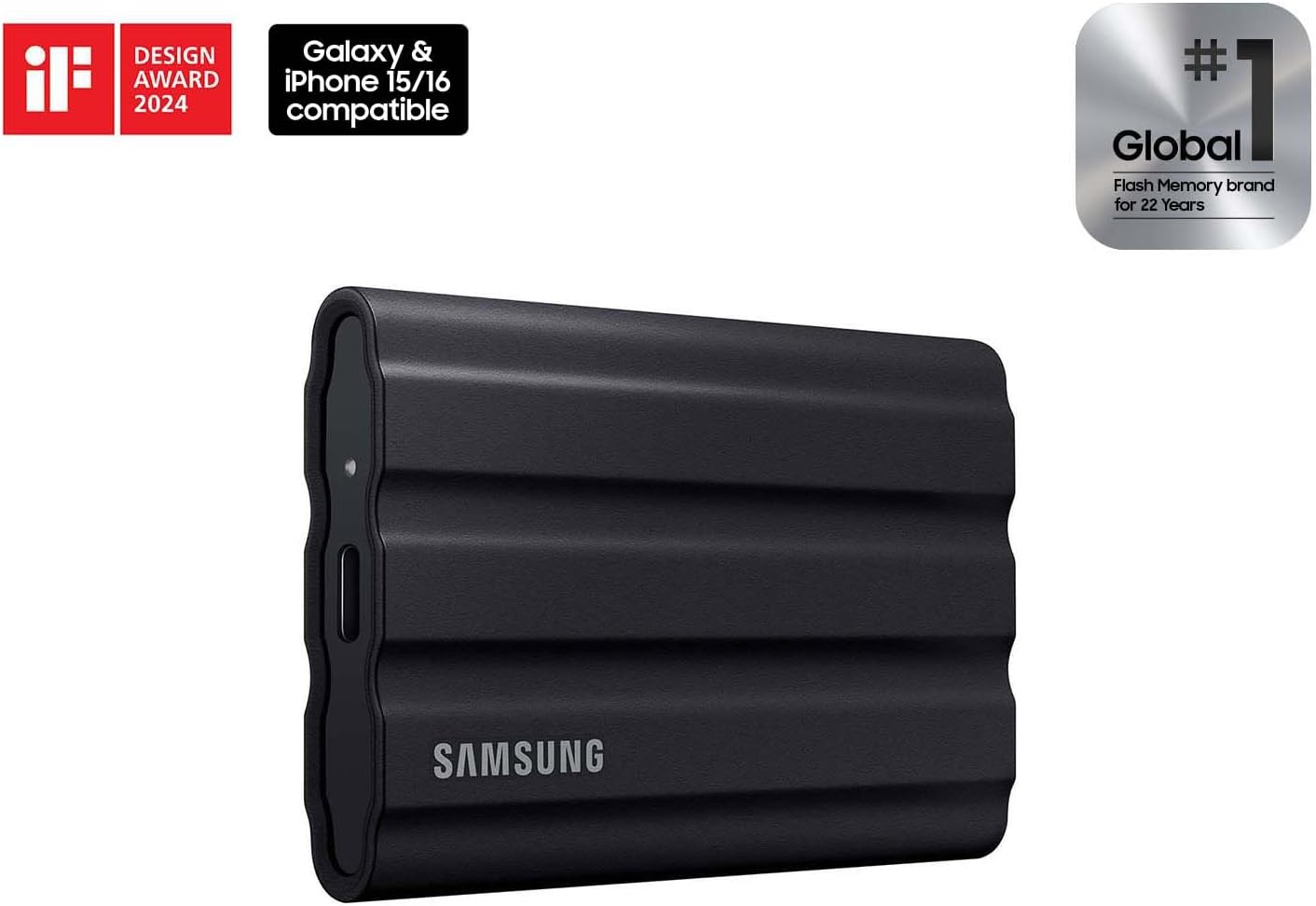
Samsung MU-PE2T0S/AM
$489.99
In stock on Amazon
Check price on AmazonSamsung T7 Shield
The T7 Shield distinguishes itself on two dimensions: thermal behavior and physical durability. Tom’s Hardware, in their review titled “Samsung T7 Shield Review,” reports zero heat issues even during sustained large transfers — an important callout because many portable SSDs throttle aggressively when they get warm, dropping write speeds mid-session. For a 30-minute interview shoot recording straight to the drive, thermal consistency matters more than peak speed.
Tom’s Hardware’s “Samsung T7 Shield Review” describes the drive as IP65-rated, rubberized, and drop-tested to 3 meters — a meaningful durability edge for outdoor or event work. The T7 Shield’s write speeds top out at around 1,000 MB/s under USB 3.2 Gen 2, which is sufficient for ProRes 4K up to 60fps but may create marginal headroom at ProRes RAW peak bitrates. Buyer accounts also confirm use with the Blackmagic Design Pocket Cinema Camera 6K, which demands genuinely sustained write performance from external storage. That is meaningful real-world signal beyond smartphone workflows.
For most shooting scenarios the T7 Shield is more than enough. For the heaviest iPhone RAW workflows or Blackmagic RAW at high bitrate settings, verify against your specific rig before a paid shoot.
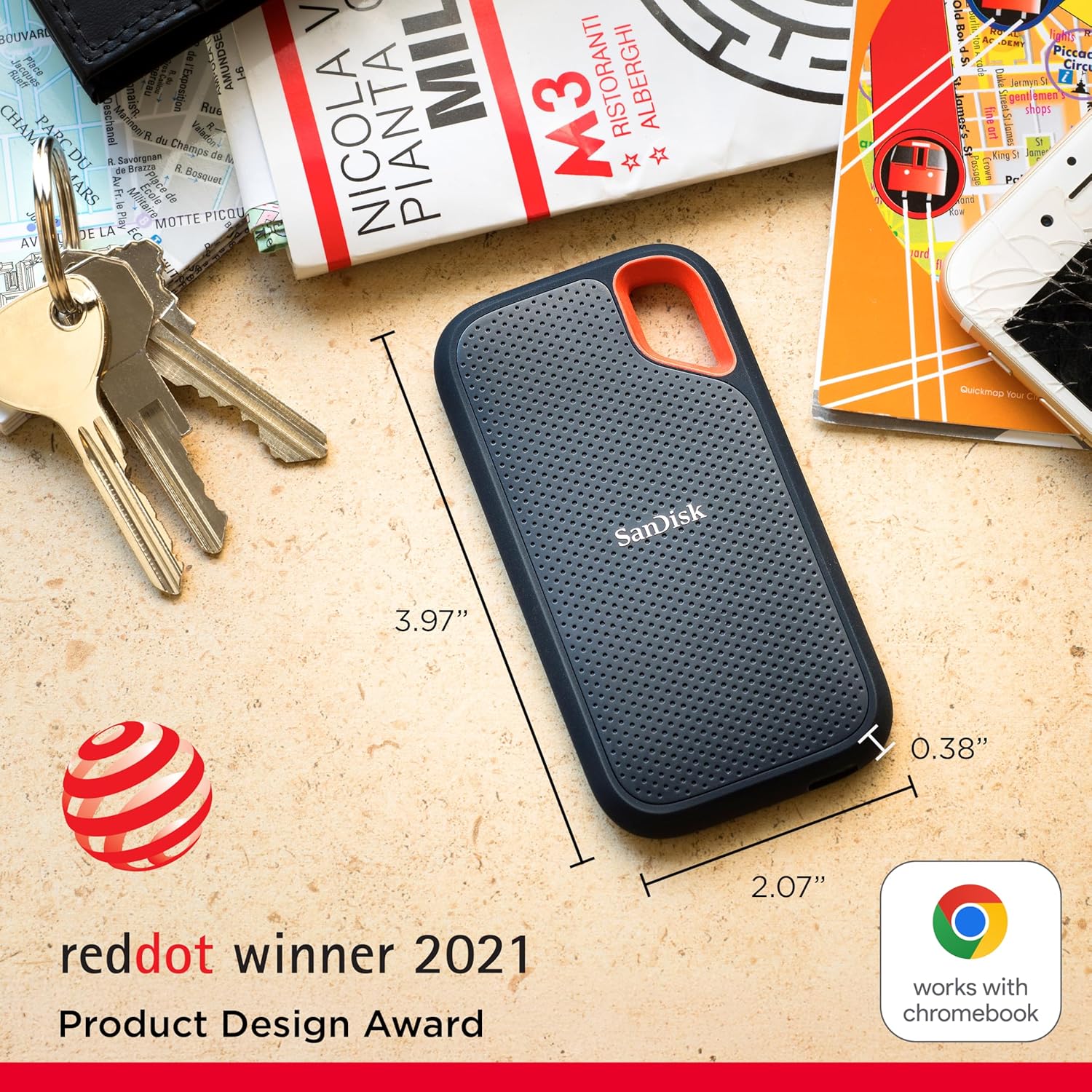
SANDISK
$278.25
In stock on Amazon
Check price on AmazonLexar Professional Go
The Lexar Professional Go is the most smartphone-native drive in this comparison. Its defining feature is a magnetic phone-mount adapter — engineered specifically for handheld recording — that has received consistent praise for physical stability during shooting. StorageReview, in their published piece “Lexar Professional GO SSD Review,” documents competitive sustained write performance and confirmed ProRes RAW compatibility with iPhone 17 Pro, giving it meaningful credibility in the high-end mobile video segment. Creative Bloq, in their roundup “Best Portable SSDs for Video Editing,” highlights the mount integration as a genuine workflow differentiator rather than a marketing accessory.
The tradeoff is that the magnetic adapter introduces a design dependency: if you change phone cases or switch platforms, you are relying on the adapter system. It is a meaningful convenience for iPhone-centric shooters; less so for hybrid Android and iPhone workflows where attachment geometry varies by device.
Samsung MU-PE2T0S/AM
$489.99
In stock on Amazon
Check price on AmazonLexar ES5
The ES5 occupies a different position: this is the capacity-density play. Reviewers consistently note surprise at how small the physical enclosure is relative to 2TB of storage. For run-and-gun documentary or travel work where you are moving between locations with limited bag space, that form factor is a genuine advantage.
The ES5’s magnetic attachment uses magnets to connect to phone cases and compatible mount adapters — a different implementation than Apple’s licensed MagSafe charging ecosystem. Tom’s Guide, in their coverage titled “Best SSDs for iPhone and ProRes Recording,” notes this distinction clearly: magnetic attachment and MagSafe compatibility are not the same thing, and the ES5 is better characterized as a magnetically attachable drive than a dedicated handheld shooting mount. Its performance spec is slightly more conservative than the Professional Go, which is a reasonable tradeoff for the compact design. It fits workflows that prioritize portability and capacity over absolute maximum write speed — a B-camera backup drive, a second body’s overflow card, or a client-deliverable archive handed off at the end of a shoot.
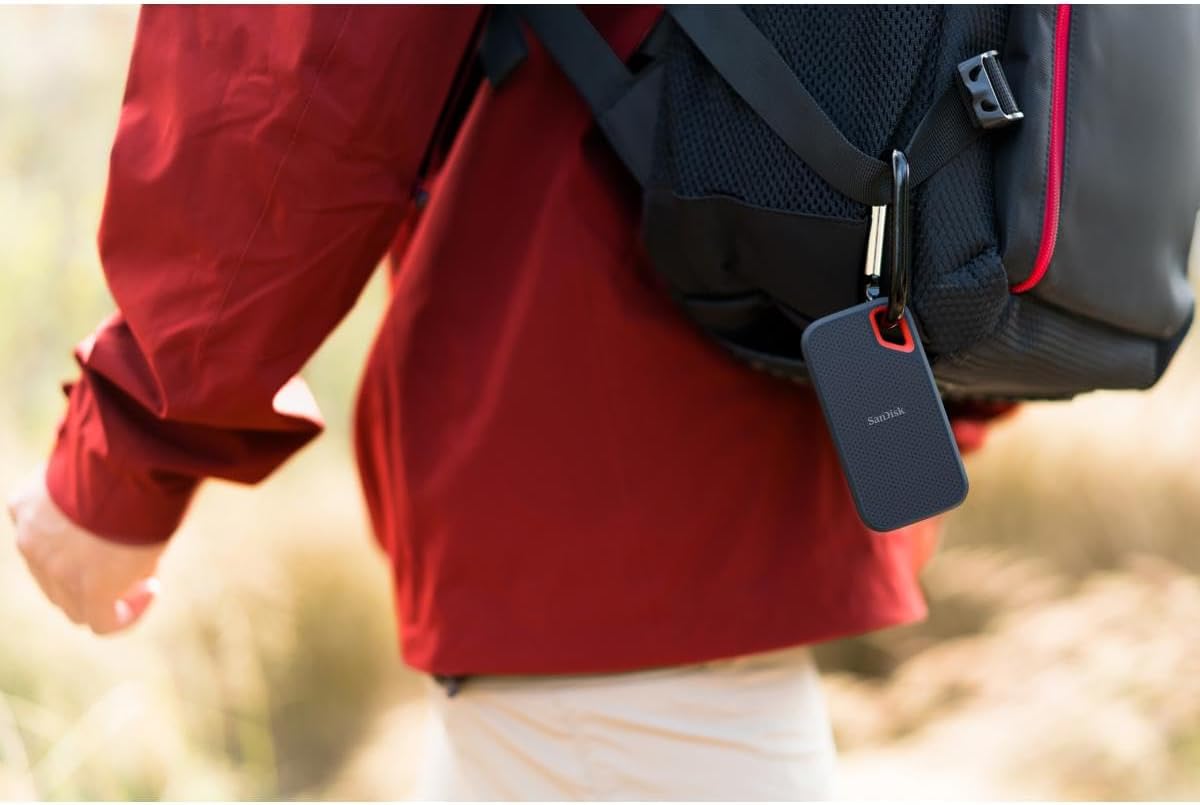
SANDISK
In stock on Amazon
Check price on AmazonComparison at a Glance
| Drive | Rated Write Speed | IP Rating | Tier | Best For |
|---|---|---|---|---|
| SanDisk Extreme PRO | Up to 2,000 MB/s (host-dependent) | IP55 | Samsung MU-PE2T0S/AM — $489.99 | Gen 2x2 hosts, ProRes HQ headroom |
| Samsung T7 Shield | ~1,000 MB/s | IP65 | SANDISK — $278.25 | Long takes, outdoor and event shoots |
| Lexar Professional Go | ~1,000 MB/s+ sustained | Not rated | Samsung MU-PE2T0S/AM — $489.99 | iPhone-native handheld recording |
| Lexar ES5 | ~1,000 MB/s | Not rated | SANDISK — | Travel, capacity density, B-cam backup |
The Case for a Hard Shell Travel Case
Multiple owners across these drives flag the same afterthought purchase: a hard shell travel case sized for one or two portable SSDs. The drives themselves are rugged by design, but they live in bags with cables, lens caps, and accessories that scratch enclosures and stress connectors. Several reviewers note that a purpose-built case extends the practical life of the drive and creates a dedicated pocket for the cable — which matters because USB-C cables have generation-specific performance. A USB 2.0 cable plugged into a Gen 2x2 drive will cap throughput severely regardless of the drive’s capabilities. This is not a premium add-on; it is a $15–25 decision that protects a $200-plus asset.
Decision Framework: If X, Then Y
- If you are recording iPhone ProRes RAW or 4K HQ at full quality, prioritize the Lexar Professional Go for its confirmed compatibility and phone-mount integration, or the SanDisk Extreme PRO if your host device has a Gen 2x2 or Thunderbolt port.
- If thermal consistency during long takes matters more than peak speed — interview shoots, event coverage — the Samsung T7 Shield’s documented thermal behavior and IP65 rating make it the lowest-risk choice.
- If capacity density and portability are the primary constraints — travel, multi-location documentary — the Lexar ES5 delivers 2TB in the smallest envelope.
- If you are shooting with a Blackmagic or similar cinema camera that requires sustained write, verify your specific write-speed requirements against the drive’s published sustained spec — not the peak spec on the box — and stress-test on your camera model before a paid shoot.
- Whatever you choose: test your restore before the shoot, not after. Record a 10-minute test clip to the drive, disconnect, reconnect, and verify the file opens cleanly. An untested drive is an untested backup.
Frequently Asked Questions
Can the SanDisk Extreme or Lexar Professional Go record iPhone ProRes 4K directly? Yes, both drives are fast enough for ProRes 4K in standard and HQ modes when connected via USB 3.2 Gen 2. StorageReview’s “Lexar Professional GO SSD Review” confirms it handles iPhone 17 Pro RAW recording without issue. The SanDisk Extreme handles ProRes 4K well; the Extreme PRO adds headroom for heavier formats if your port supports it.
What does magnetic attachment actually mean for the Lexar ES5 — does it hold securely while shooting? The Lexar ES5’s magnetic mount uses magnets to attach to compatible phone cases and adapters, but it is not part of Apple’s licensed MagSafe ecosystem. Tom’s Guide’s “Best SSDs for iPhone and ProRes Recording” notes this distinction explicitly. The Lexar Professional Go’s mount has received stronger buyer validation for handheld shooting stability; the ES5 is better suited as a magnetically attachable capacity drive than a dedicated shooting mount.
Why is my SanDisk Extreme PRO not hitting 2,000 MB/s? Almost certainly a host port issue. The 2,000 MB/s spec requires USB 3.2 Gen 2x2 (20 Gbps). Most phones, tablets, and many laptops ship with USB 3.2 Gen 2 single-lane (10 Gbps) ports, which cap real-world throughput around 800–1,000 MB/s. OS read caching also inflates short-burst speed tests. Run a large file transfer — 10 GB or more — for a realistic read on sustained performance. PCMag’s “SanDisk Extreme Pro Portable SSD Review” confirms this is a host-dependency issue, not a drive defect.
Is the Samsung T7 Shield fast enough for direct Blackmagic camera recording? Buyer accounts confirm use with the Blackmagic Pocket Cinema Camera 6K. For Blackmagic RAW at standard quality levels, the T7 Shield’s approximately 1,000 MB/s write spec provides sufficient headroom. For 12K or high-bitrate BRAW settings, verify against Blackmagic’s published minimum write speed requirements for your specific format and frame rate before committing to the drive on a shoot.
Do I need a specific USB-C cable to get full speed from a Gen 2x2 SSD? Yes. A USB 3.2 Gen 2x2 drive requires a cable rated for that standard — typically labeled “40 Gbps” or “USB 3.2 Gen 2x2.” Using a USB 2.0 or older USB 3.0 cable will cap performance dramatically regardless of drive or port capability. Always use the included cable first, and keep it dedicated to the drive. This is one of the most common causes of “my drive is slow” complaints in buyer feedback across all four drives reviewed here.
How waterproof is IP65 — can I use these drives in rain or dusty outdoor shoots? IP65 means the drive is fully protected against dust ingress (the “6”) and protected against low-pressure water jets from any direction (the “5”). In practical terms: light rain, splash, and dusty environments are fine. Submersion is not — that requires IP67 or IP68. For outdoor event work or a beach shoot with sea spray, IP65 is a reasonable level of protection. For underwater or heavy-rain scenarios, a waterproof case over the drive is still the right call.