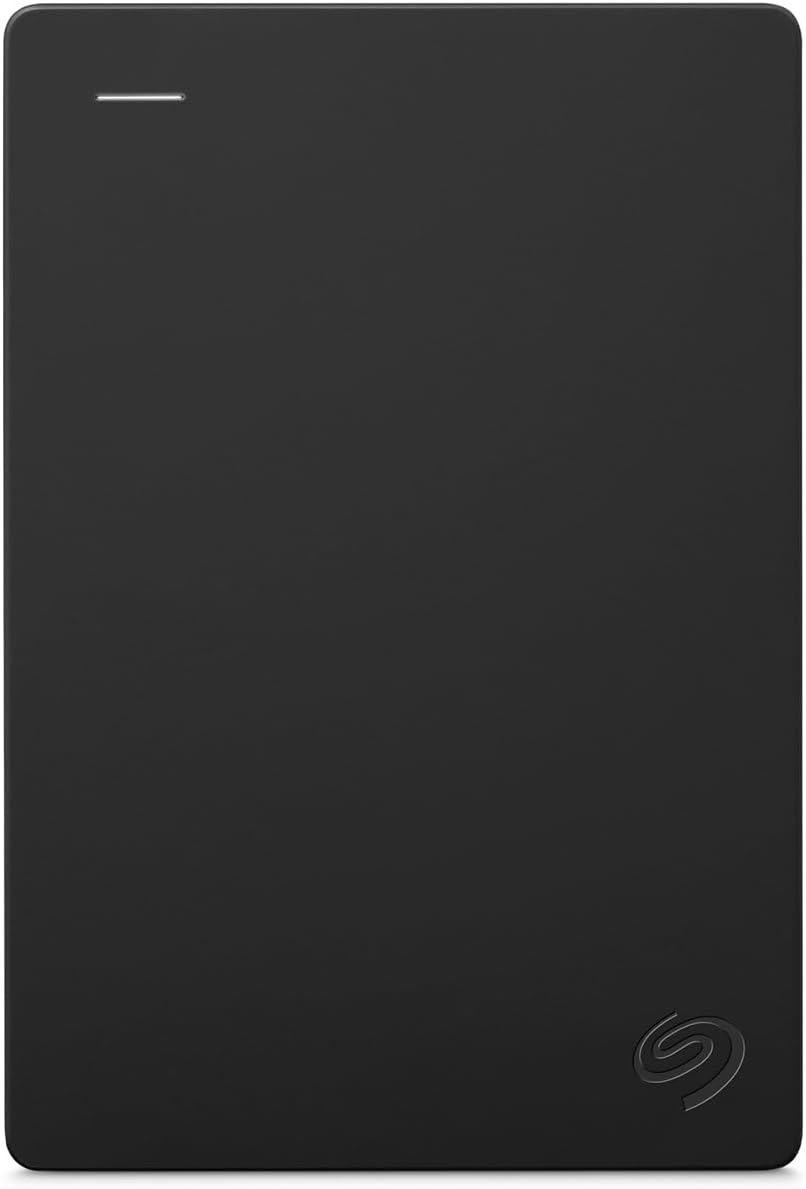
A backup isn’t just a copy — it’s a copy stored somewhere different. That second part matters more than most people realize. If your external drive sits next to your laptop and both get stolen in the same bag, the backup was never really a backup. The strategy most data professionals rely on is called 3-2-1: three copies of your data, on two different types of media, with one copy offsite — meaning physically somewhere else. A portable hard drive (a compact, bus-powered storage device you can hold in your hand) rotated to a second location — a friend’s house, your office, a fireproof drawer at work — is one of the most cost-effective ways to fulfill that offsite requirement. This guide will help you figure out how much capacity you actually need, which drives are worth your money at each price tier, and when a portable HDD stops making sense and something else takes over.
| EDITOR'S PICK[WD 4TB My Passport Ultra](https://www.amazon.com/dp/B07GKBT14V?tag=greenflower20-20) | Mid-tier[Seagate Portable 4TB External H](https://www.amazon.com/dp/B07CRG7BBH?tag=greenflower20-20)… | Budget pick[Seagate Portable 1TB External H](https://www.amazon.com/dp/B07CRG7BBH?tag=greenflower20-20)… | |
|---|---|---|---|
| Capacity | 4TB | 4TB | 1TB |
| Interface | USB-C & USB 3.1 | USB 3.0 | USB 3.0 |
| Backup software | ✓ | — | — |
| Password protection | ✓ | — | — |
| Ransomware defense | ✓ | — | — |
| Rescue service | — | ✓ | ✓ |
| Price | $259.99 | $189.99 | $109.99 |
| See on Amazon → | See on Amazon → | See on Amazon → |
Why the Offsite Copy Is the One Most People Skip
It’s easy to rationalize not doing it. Cloud backup exists. Your NAS is redundant. You have Time Machine. All of that is true, and none of it replaces a physical offsite copy for most real-world data-loss scenarios.
Here’s the tradeoff matrix that practitioners need to internalize:
Cloud backup is excellent for offsite protection, but restore costs — the fees you pay to pull data back down — can sting badly on large datasets. Backblaze B2’s restore pricing runs roughly $0.01/GB as of mid-2026, which sounds negligible until you’re pulling 8 TB after a ransomware event. That’s $80 just in egress, assuming you’re not on a paid restore plan. Wasabi charges no egress fees but has a minimum storage duration policy. Neither is free when the clock is ticking and you need files now.
A local NAS protects against single-drive failure but not against the physical threats that destroy premises: fire, flood, theft, or a power surge that fries the enclosure. RAID is not a backup; it’s uptime insurance.
A portable HDD rotated offsite — even once a week — gives you a restore path that costs nothing at retrieval time, completes at USB 3.0 or USB-C speeds (typically 100–130 MB/s for spinning media), and doesn’t require an internet connection. The tradeoff: it requires a human to remember to do the rotation, and the drive itself is a single point of failure. It fails silently if you never test a restore.
That last sentence is not a throwaway caveat. Untested backups fail at the worst moment. Schedule a restore drill — even restoring a single folder — every 90 days. Set a calendar reminder right now.
Matching Capacity to What You’d Actually Lose
Before you buy, run this calculation:
- Inventory your irreplaceable data. Raw photos, video project files, client deliverables, financial records, source code — anything you could not re-create from scratch. Exclude the OS and applications; those are recoverable.
- Add 30% headroom for growth over the next 12–18 months.
- Double it if you plan to use the drive for versioned backups (keeping previous copies rather than overwriting).
By the numbers — common use cases:
| User type | Typical irreplaceable data | Recommended drive capacity |
|---|---|---|
| Student / home user | 100–300 GB (documents, photos) | 1 TB |
| Freelancer / home office | 500 GB – 2 TB (projects, RAW photos) | 2–4 TB |
| Small creative studio | 3–8 TB (video, ProRes, archives) | 8–12 TB |
| IT admin (endpoint backups) | Varies by seat count | NAS or enterprise — see below |
For creative professionals managing multi-terabyte RAW or ProRes libraries, a single portable HDD begins to show its limits above 4–6 TB: the price-per-terabyte starts to drift upward compared to desktop-class drives, and a single spinning disk without redundancy is a fragile single point of failure for data worth thousands of dollars. At that tier, the offsite second copy probably wants to be a two-drive RAID enclosure or a properly configured NAS, not a bus-powered 2.5-inch drive.
The Drive Tiers: What Your Money Buys in 2026
Pricing has shifted meaningfully over the past 18 months. Supply-chain pressures that inflated HDD prices in 2024 have mostly eased, and 2 TB portable drives now reliably land under $70 at major retailers.
Entry tier ($50–$90): 1–2 TB drives for students and home users
The Western Digital My Passport and Seagate Backup Plus Portable are the workhorses of this tier and consistently appear on PCMag and Wirecutter’s shortlists for the segment. Both use 2.5-inch spinning platters (no separate power brick required — they draw power from the USB port), and both are widely available through authorized retailers. Wirecutter’s roundup notes that the WD My Passport’s bundled software is unnecessary but the hardware reliability record is solid for the price class.
One warning that applies to every tier: counterfeit and relabeled drives appear on third-party Amazon Marketplace listings with surprising regularity. Tom’s Hardware has documented cases of drives sold as 2 TB that are 256 GB flash cards with spoofed firmware. Buy from Amazon’s own retail listing (labeled “Ships from and sold by Amazon.com”), Best Buy, B&H Photo, or directly from manufacturer stores. Avoid third-party marketplace sellers for storage hardware unless you can verify authorization.
Mid tier ($90–$180): 2–4 TB for freelancers and prosumers
At 4 TB, you’re comparing per-terabyte economics carefully. As of mid-2026, 4 TB portable drives from WD and Seagate hover around $100–$120, putting the $/TB metric at roughly $25–$30/TB — still meaningfully cheaper than cloud storage at scale for data you intend to keep long-term, and far cheaper on a restore-cost basis.
The Samsung T7 and WD My Passport SSD appear in this tier when users prioritize durability or shock resistance over raw capacity. Reviewers at Tom’s Guide consistently rate the Samsung T7 as one of the fastest portable options in its class, but you’re paying for speed and resilience, not capacity: a 2 TB T7 typically runs $150–$180, compared to $70–$80 for a 2 TB spinning drive. If your offsite drive lives in a drawer and moves infrequently, the speed premium is hard to justify. If it’s bouncing around in a bag, the shock resistance of flash storage earns its cost.
Upper-mid tier ($150–$280): 4–8 TB for heavier workloads
This is where the WD Elements Desktop and Seagate Backup Plus Hub enter the conversation — though at this point you’re usually looking at 3.5-inch desktop drives that require AC power, not truly “portable” units. Genuinely bus-powered 8 TB portable drives exist (Seagate’s One Touch HDD line includes an 8 TB option) but owners across aggregated reviews frequently note they require a Y-cable to draw enough power from two USB ports, which creates connection friction.
For the offsite rotation use case at 6–8 TB, the pragmatic answer is often: buy two 4 TB portable drives and rotate them as a pair, rather than reaching for a single 8 TB bus-powered unit. You gain redundancy in the rotation, and the per-TB cost is comparable.
The Rotation Protocol That Actually Gets Done
The most technically perfect drive selection fails if the rotation doesn’t happen. Here’s a protocol that practitioners consistently report sticking with:
The two-drive swap. Buy two identical drives. Label them A and B. Drive A lives offsite. Drive B is at home, syncing regularly. On a set day each week (or each month, calibrated to how fast your data changes), you swap them — Drive B goes offsite, Drive A comes home. Neither drive is more than one rotation cycle out of date at the worst case.
Automate the sync, not the swap. Tools like FreeFileSync (open-source, Windows/Mac/Linux), macOS Time Machine pointed at an external volume, or Windows Backup can handle the sync automatically when the drive connects. The human step is only the physical exchange — reduce friction there and the system sustains itself.
Label the drives clearly. “Backup A — Last updated [date]” written on a label with a Sharpie has saved more than one practitioner from reaching for the older copy during a restore. Do not rely on digital labels alone; drives don’t display their last-backup date when you’re staring at a shelf in a stressful moment.
Test the restore. Pick three files — a document, a photo, a project file. Restore them from the offsite drive to a temporary folder. Verify they open. Do this quarterly. Backblaze’s published 3-2-1 strategy documentation explicitly calls out restore testing as the step most users skip; their own customer data confirms it correlates with backup failure at crisis time.
When a Portable HDD Stops Being the Right Answer
The offsite portable HDD is the right tool for a bounded range of situations. Know when to graduate:
If your data grows faster than you can afford to scale capacity, cloud backup’s elastic pricing model becomes more economical than buying new drives every 18 months.
If your RPO (Recovery Point Objective — how much data loss you can tolerate in time) is less than 24 hours, a weekly or even daily physical rotation isn’t tight enough. You need continuous cloud sync or a network-attached backup solution.
If you’re managing data for others — employees, clients, or a business with compliance requirements — a portable drive rotation is not an auditable, policy-compliant solution. Platforms like Acronis Cyber Protect or Veeam with documented retention policies are the correct tier.
If your irreplaceable data exceeds 8 TB, the portable HDD tier’s economics and fragility start to work against you. A Synology 2-bay NAS rotated physically, or a dedicated cloud cold-storage tier like Backblaze B2, handles the scale better.
The Decision Rule
If your irreplaceable data fits under 4 TB, you have a predictable physical location to store a second drive, and you can commit to a monthly (or weekly) swap discipline: a two-drive portable HDD rotation is the highest-value offsite backup move you can make for under $150 total. Buy from an authorized retailer, automate the sync, test the restore quarterly, and the system will outlast the cost of any cloud plan at comparable protection level.
If any of those conditions don’t hold — the data is larger, the location is impractical, or the rotation won’t realistically happen — shift budget toward a cloud tier or a NAS, and treat this guide as the baseline you’re graduating from, not the ceiling.