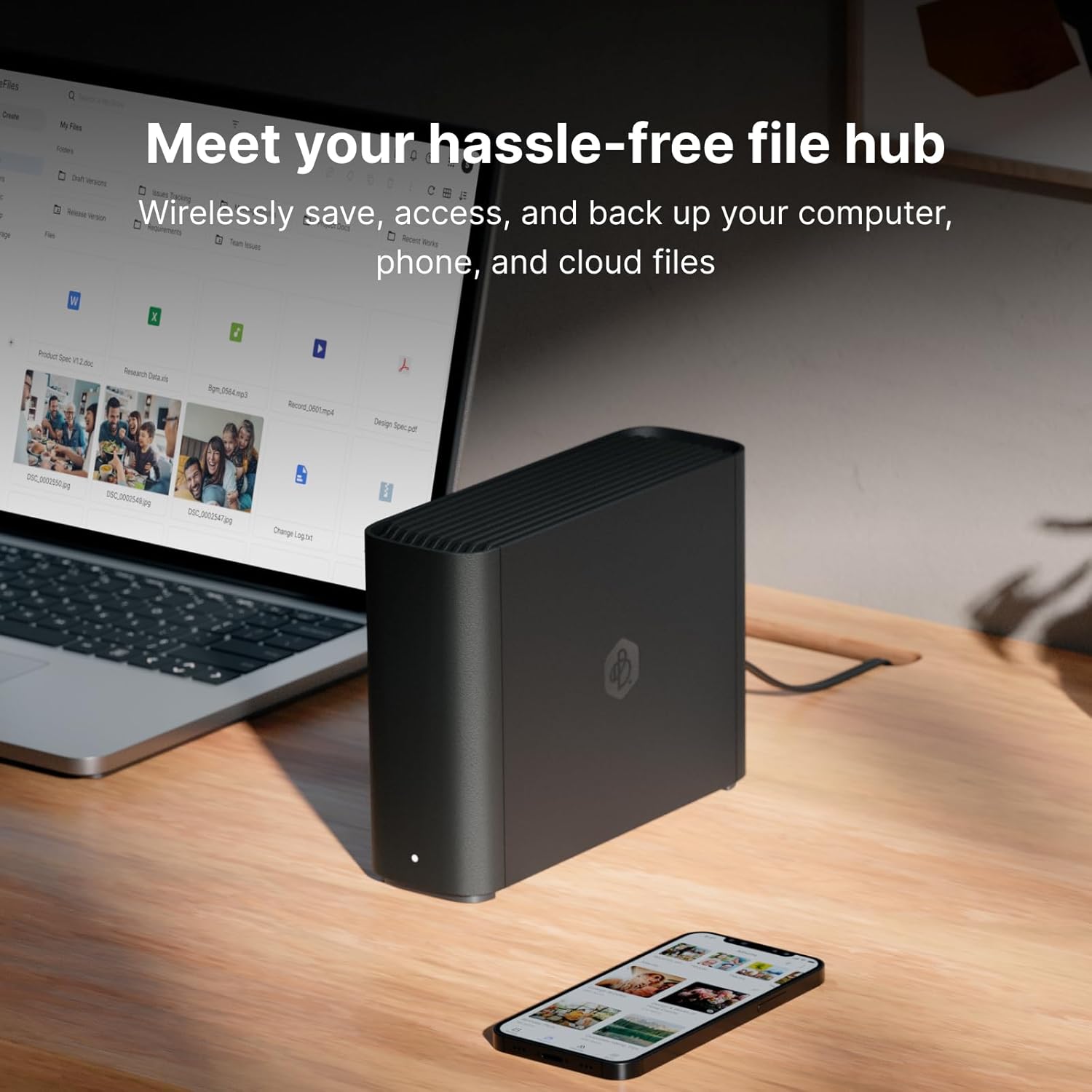
If you’ve ever wished you could access your files from anywhere — like a personal version of Google Drive or Dropbox, but stored on hardware you actually own — that’s the appeal of a personal cloud storage device. Instead of paying a monthly fee to store your files on someone else’s servers, you keep a box at home that holds your data, and software makes it accessible over the internet. The question is how much control, flexibility, and complexity you actually need. Synology — a well-regarded Taiwanese storage hardware company — sells two meaningfully different answers to that question: the BeeStation, a plug-and-play personal cloud appliance that launched in late 2023, and their established line of NAS (Network Attached Storage) devices, like the DS223 and DS923+, which are more powerful, more configurable, and more demanding. This guide is for the reader who’s already past the “do I need a backup?” stage and is now asking: which architecture actually fits what I’m trying to protect?
What the BeeStation Is — and Isn’t
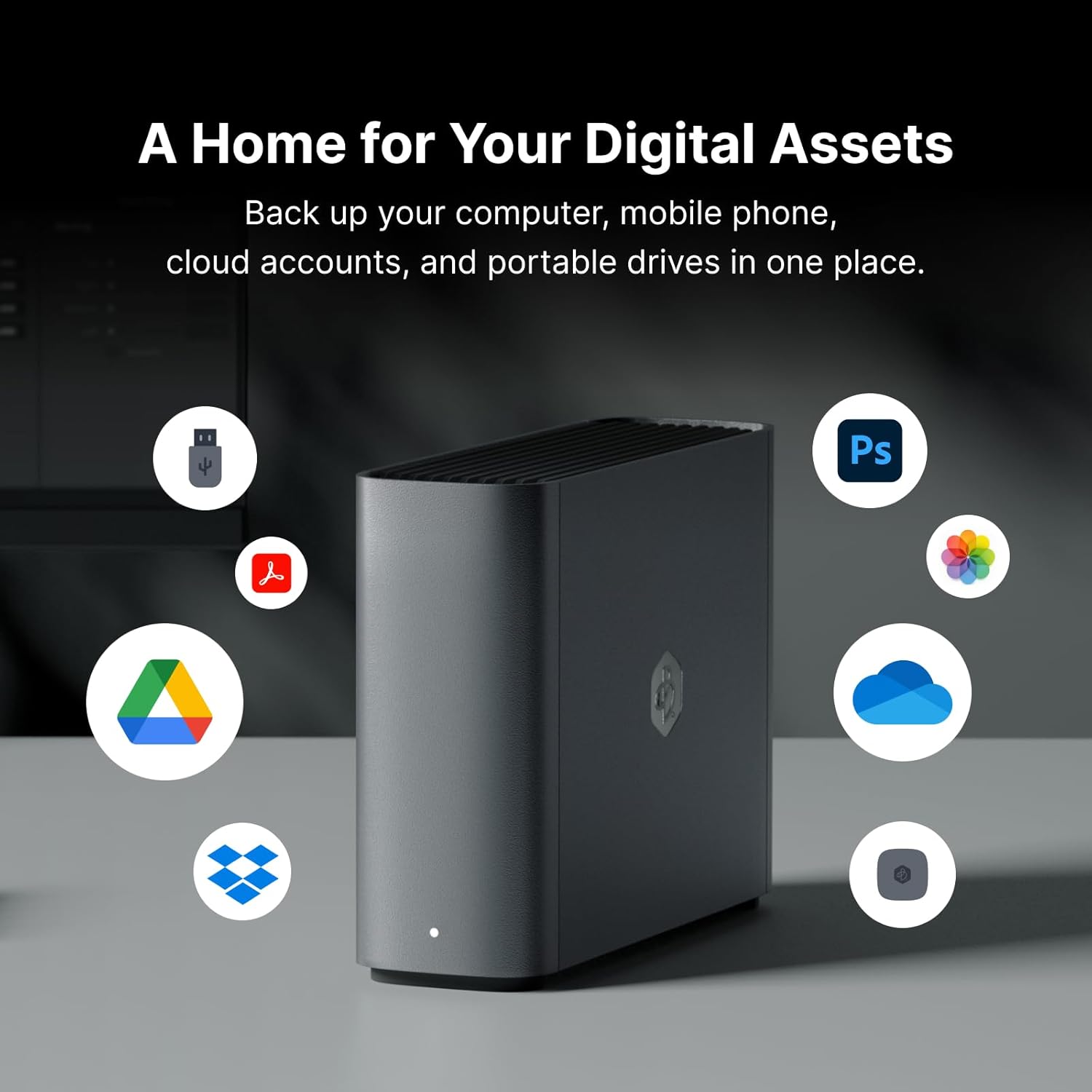
The BeeStation is best understood as Synology’s attempt to pull personal cloud storage out of the IT department and hand it to a regular person. It ships as a sealed 4TB unit with a single internal drive, connects to your router, and is managed almost entirely through a mobile app and Synology’s relay service. Setup, by nearly all accounts, takes under 15 minutes. PCMag’s 2024 review of the BeeStation noted that its onboarding experience is closer to setting up a smart speaker than a NAS — which is accurate praise or a warning depending on your needs.
What the BeeStation gives you:
- Fixed 4TB capacity (not expandable without purchasing additional units)
- Single-drive architecture — no RAID (Redundant Array of Independent Disks, a method of spreading data across multiple drives so that one drive failure doesn’t mean data loss), no redundancy
- Proprietary BeeOS — a stripped-down operating system, not the full DSM (DiskStation Manager) that runs on Synology’s NAS line
- Designed for remote access and personal sync, not enterprise or prosumer backup workflows
- Street price: approximately $200–$220 as of mid-2026
What it doesn’t give you: granular backup scheduling, rsync-level control, Hyper Backup to multiple destinations, support for third-party backup agents, or any path to RAID redundancy. Ars Technica’s 2024 coverage of the BeeStation flagged this plainly — the device is a personal cloud access tool first, and a backup device only in the loosest sense.
The single-drive risk is the lead sentence in any honest evaluation. A single drive with no redundancy is not a backup. It is one point of failure away from total data loss. If the BeeStation is in your architecture, it needs to be one layer, not the whole stack.
What a Full NAS Gives You That the BeeStation Can’t
A Synology NAS — the DS223 (two-bay, approximately $300), DS423+ (four-bay, approximately $550), or DS923+ (four-bay with NVMe cache slots, approximately $700–$800 depending on configuration) — runs DSM, which is essentially a full Linux-based operating system with a browser-based GUI. The capability gap between BeeStation and even the entry-level DS223 is not incremental. It’s architectural.
H3: Budget Entry Point — DS223 Two-Bay NAS
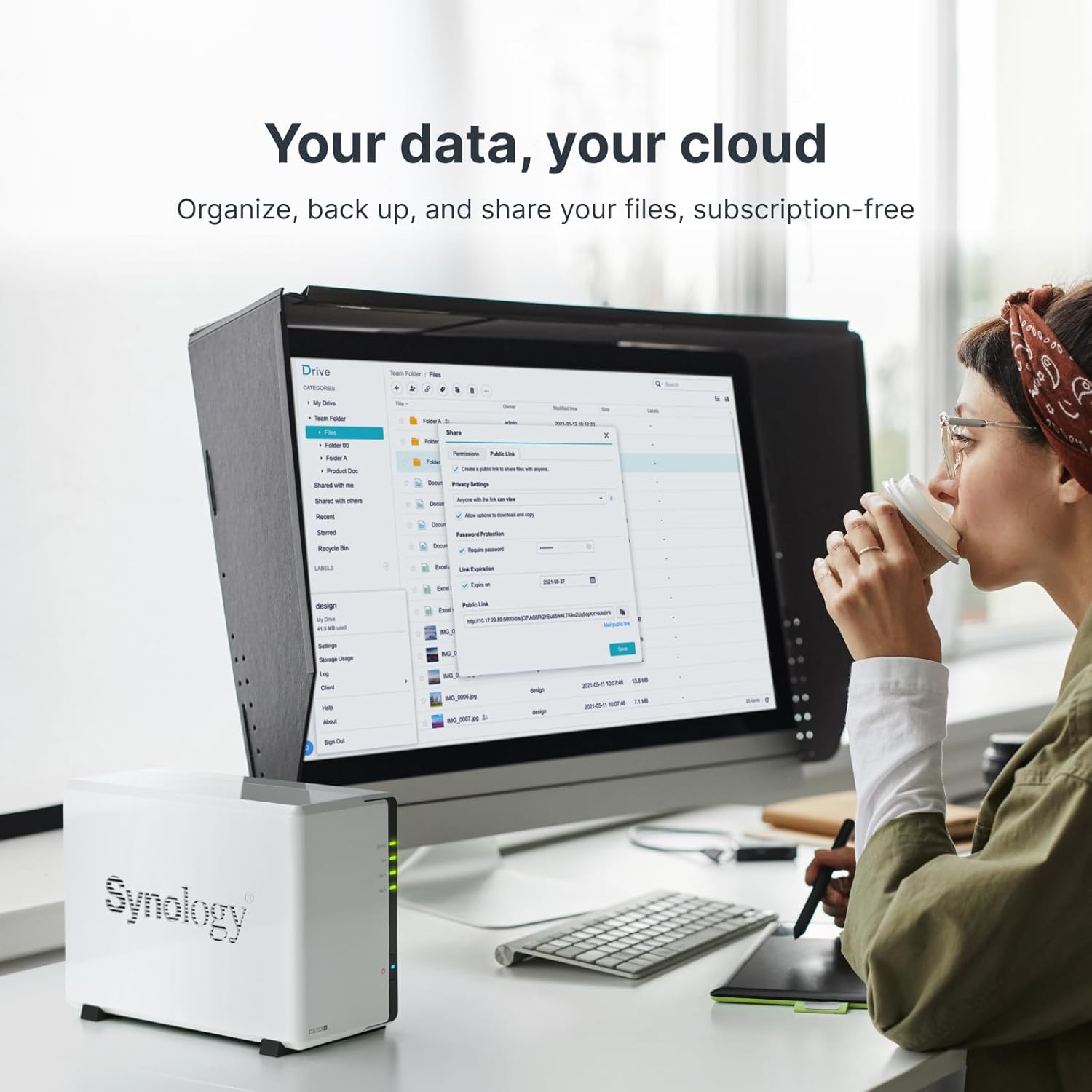
The DS223 is the floor of the full-NAS conversation. Pair it with two NAS-grade drives in RAID 1 (mirroring), and you have a system where one drive can die completely and your data survives intact. DSM’s Hyper Backup application lets you schedule encrypted, versioned backups to an external USB drive or to a cloud destination like Backblaze B2 or Wasabi. You can maintain 30 versions spanning 90 days. The BeeStation has no equivalent feature. For a household protecting irreplaceable photos, tax records, or a small side-business file archive, the DS223 is the minimum responsible choice.
Synology
$151.04
In stock on Amazon
Check price on AmazonH3: Mid-Range Workhorse — DS423+ Four-Bay NAS
The DS423+ adds two more drive bays, opens the door to RAID 5 and RAID 6 configurations (which tolerate one or two simultaneous drive failures, respectively), and includes enough processing headroom to run Active Backup for Business — Synology’s built-in application for backing up Windows PCs, virtual machines, and file servers to the NAS with deduplication. Tom’s Hardware’s 2025 NAS buying guide highlights the DS423+ class as the sweet spot for small offices and creative studios that need centralized backup without a dedicated IT administrator. At this tier you also gain Docker support, meaning you can run lightweight applications — a password manager, a photo organizer, a local media server — alongside your backup workload.
BUFFALO
$241.99
In stock on Amazon
Check price on AmazonH3: High-Capacity Performance Tier — DS923+ Four-Bay with NVMe Cache
The DS923+ is the NAS that belongs in a conversation about protecting a multi-terabyte RAW photo archive, a ProRes video library, or a multi-user creative studio workflow. Tom’s Hardware’s 2025 NAS guide notes that the DS923+ supports substantial raw capacity across its four bays, expandable further with a DX517 expansion unit. The NVMe cache slots meaningfully accelerate random read/write workloads — relevant if you’re actively editing off the NAS rather than just backing up to it. At this tier, Active Backup for Business handles heterogeneous device fleets, Hyper Backup runs encrypted offsite jobs to cloud object storage, and Surveillance Station can absorb IP camera feeds. The BeeStation doesn’t enter this conversation.
Synology BST170-8T
$593.99
In stock on Amazon
Check price on AmazonThe Numbers Side-by-Side
| Feature | BeeStation | DS223 (2-bay) | DS923+ (4-bay) |
|---|---|---|---|
| Street price (hardware only) | ~$210 | ~$300 | ~$700–$800 |
| Drive capacity | 4TB fixed | User-supplied, up to 32TB | User-supplied, up to 80TB+ |
| RAID / redundancy | None | Yes (RAID 1, SHR) | Yes (RAID 1/5/6, SHR) |
| Operating system | BeeOS (limited) | DSM 7.x (full) | DSM 7.x (full) |
| Hyper Backup | No | Yes | Yes |
| Active Backup for Business | No | No | Yes |
| $/TB (hardware only, loaded) | ~$52/TB | ~$9–$18/TB (with drives) | ~$8–$10/TB (with drives) |
Drive pricing based on aggregated retail in mid-2026. Per-TB figures are hardware cost only; factor cloud offsite costs separately.
When the BeeStation Is Actually the Right Answer
This is not a one-sided verdict. There are real use cases where the BeeStation’s simplicity isn’t a compromise — it’s the point.
The BeeStation makes sense if:
- You want to stop paying $10–$15 per month for iCloud or Google One storage and prefer a one-time hardware purchase, and your tolerance for data loss is “I’d be upset but I’d survive” — not “this would end my business or destroy irreplaceable work.”
- You’re setting this up for a family member or non-technical person who will not maintain a NAS, will not configure anything, and needs remote file access to just work.
- You already have a solid backup architecture elsewhere and want a low-friction sync device for a secondary location.
- Your primary concern is remote access to documents, not protecting a multi-terabyte media archive.
TechRadar’s 2025 article “Best NAS drives 2025: reviewed and ranked” draws a useful line: the BeeStation’s real competition is iCloud+ and Google Drive — not the DS223. That framing holds up. Evaluate it against consumer cloud subscriptions, not NAS boxes, and it performs well. Evaluate it as a backup device, and the single-drive architecture disqualifies it for anything irreplaceable.
Restore Testing: The Question Both Products Fail to Ask You
A backup architecture that you’ve never tested restoring from is not a backup. It’s a hope.
The BeeStation’s mobile-first design makes it easy to put files somewhere. Restoring them — especially at scale, or in a disaster scenario where your home network is unavailable — is materially harder. Synology’s BeeStation support documentation does not describe a bulk restore workflow with the same operational clarity as DSM’s Hyper Backup Restore interface.
A full NAS with Hyper Backup lets you schedule restore tests, restore individual file versions with point-in-time granularity, and — on a DS423+ or DS923+ — restore entire PC images through Active Backup. Backblaze’s published hard drive statistics and failure-rate research consistently show that the most common failure mode isn’t drive death alone — it’s discovering, too late, that a backup was incomplete, corrupted, or structured in a way that makes restoration impractical. The Backblaze “Hard Drive Stats Q4 2024” report reinforces that even reliable drives fail, and that detection lag between failure and discovery is a real operational risk in single-drive architectures.
Before finalizing any architecture decision, answer two questions:
- If the device fails tomorrow, exactly how do you get your data back, and how long will it take?
- Have you completed a test restore in the last 90 days?
If the BeeStation is your only layer, you cannot confidently answer either question.
Building the Right Architecture Around Each Device
If you choose the BeeStation:
You are not done. The BeeStation should sit inside a 3-2-1 architecture — three copies of data, on two different media types, with one copy offsite — not replace one. A cloud backup subscription (Backblaze Personal Backup at approximately $99 per year, or a comparable service) remains mandatory. The BeeStation covers the “second local copy” role only if you treat it as exactly that, not as the whole strategy.
If you choose a full NAS (DS223 through DS923+):
The NAS becomes your local backup hub. Configure Hyper Backup to point at Backblaze B2 or Wasabi — both priced at approximately $6–$7 per TB per month as of mid-2026 — with versioning enabled and automated restore tests scheduled. If you’re a creative professional with a RAW or ProRes library, the DS923+ with NVMe cache and a pair of 8TB–16TB NAS-grade drives is the architecture the data deserves. Purchase drives from authorized resellers and cross-reference Synology’s official compatibility list — counterfeit or gray-market drives appearing in third-party marketplace listings are a documented risk worth taking seriously, as noted in reporting by Ars Technica and Bleeping Computer on hardware supply chain fraud.
The Decision Rule
If your data is irreplaceable — client files, RAW images, business records, original creative work: Full NAS, minimum DS223 with RAID 1, plus cloud offsite. The BeeStation is not sufficient for this category.
If your budget is under $250 and you’re replacing a cloud subscription for personal documents you could reconstruct: The BeeStation is a reasonable trade. Add a cloud backup layer on top and treat the device as a sync appliance, not an archive.
If you’re evaluating a solution for a small office, creative studio, or multi-user household with heterogeneous devices: Full NAS, DS423+ or DS923+, with Active Backup for Business. The BeeStation doesn’t enter this conversation.
If you’re buying for someone non-technical who won’t maintain anything: BeeStation for access convenience, paired with a separate automated cloud backup of their most critical folders. Don’t assume they’ll configure it themselves.
If you’re uncertain: Buy the NAS. The BeeStation’s ceiling is where the NAS starts. You can always simplify your setup. You cannot unlose your data.
The BeeStation is a genuinely useful product for a specific, narrow job. The mistake is deploying it outside that job description and calling it a backup strategy. Match the architecture to what the data is worth — and if you have to ask whether the BeeStation is enough, it probably isn’t.