If you’ve been shopping for hard drives to put inside a NAS (short for Network Attached Storage — a small box that connects to your home or office network and stores files for multiple devices), you’ve probably run into a wall of specs: RPM, CMR, SMR, IronWolf, WD Red. What those specs don’t tell you is what it’s like to actually live with these drives — specifically how loud they are at 2 AM, how warm the enclosure gets, and whether the drive that just shipped from a warehouse is dead on arrival. That’s the gap this article fills. Drawing on aggregated owner reviews, published spec comparisons, and documented reliability signals, here’s an honest breakdown of what Seagate IronWolf and WD Red owners are actually reporting — sorted by the decisions that matter most to people mid-purchase right now.
The Noise Question: Where IronWolf and WD Red Actually Diverge
This is the clearest fault line in the owner record, and it’s worth naming directly: at lower capacities, both lines are fine; as you scale up, noise becomes a real differentiator.
WD Red Plus: Engineered for Quiet Operation
Owners of both 4TB and 10TB WD Red Plus drives consistently return to the same word: silent. One reviewer went out of their way to clarify that the 5,640 RPM spindle speed listed on WD Red Plus spec sheets is not a typo — it’s a deliberate engineering decision. Conventional wisdom in storage says faster spin equals better performance, but WD’s position is essentially that for a NAS workload (which is often more about sustained streaming than random IOPS), the modest performance trade-off buys meaningful noise and heat reduction. That framing is worth internalizing if you’re building in a living space or a shared office.
TechRadar’s Best NAS Hard Drives 2025 guide echoes this finding, consistently positioning the WD Red Plus as the quieter, cooler-running choice in the mid-capacity range.
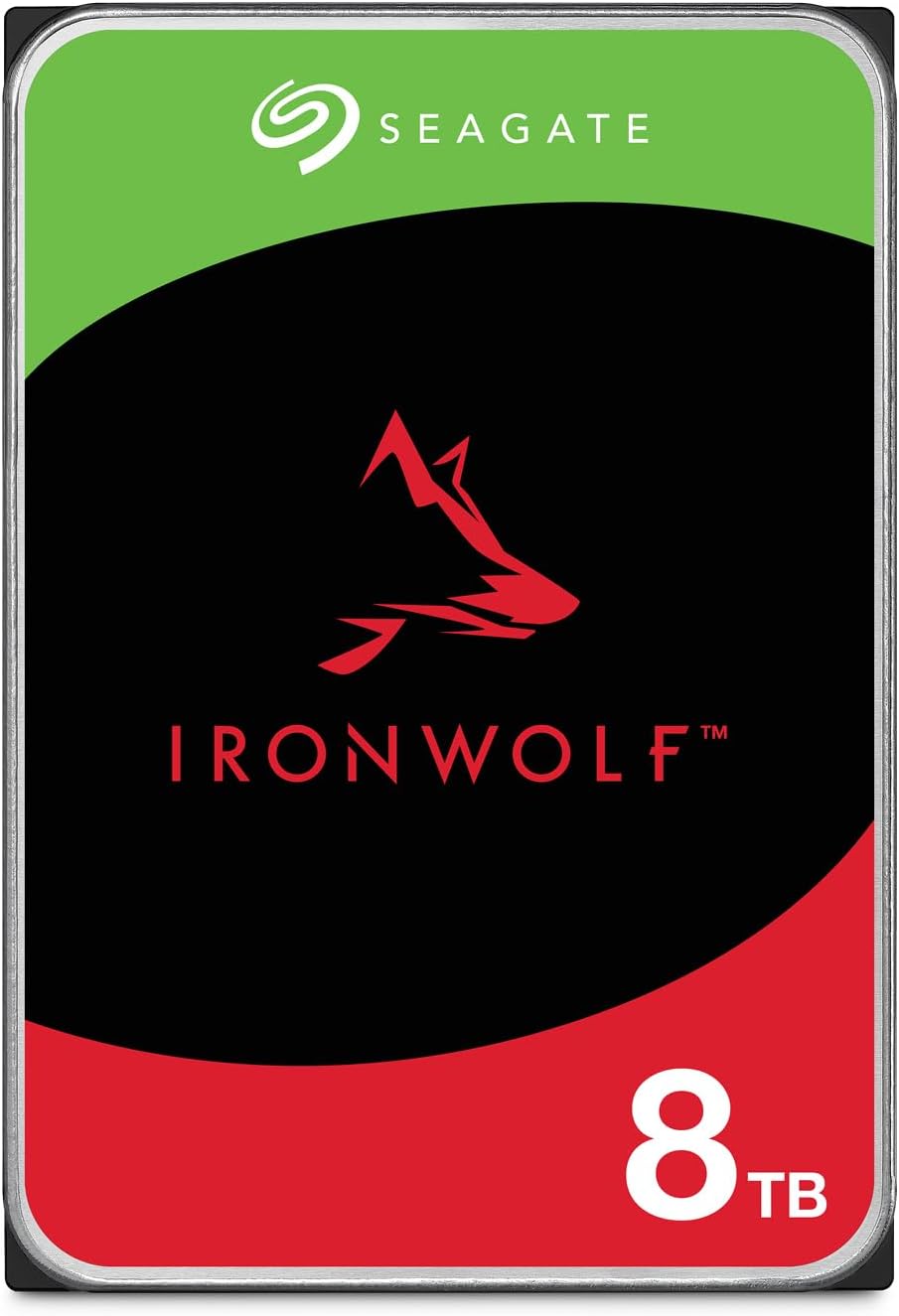
Seagate ST8000VNZ04/N004
$299.99
In stock on Amazon
Check price on AmazonSeagate IronWolf: Quiet at 4TB, Audible at Scale
Owners of the IronWolf 4TB consistently report cool, quiet operation and clean S.M.A.R.T. data (the built-in health monitoring system that every modern hard drive logs internally) right out of the box. At that tier, the IronWolf earns its reputation. The problem surfaces when capacity scales. Multiple reviewers of the IronWolf 12TB specifically flag load noise as their primary negative — not a catastrophic rattle, but audible seek noise under sustained read/write activity that becomes noticeable in a quiet room or a small office enclosure.
Tom’s Hardware NAS drive coverage notes that IronWolf models at higher capacities carry a slightly better sequential throughput figure on paper, which helps explain why the noisier 7200 RPM spindles appear at the larger capacity points.
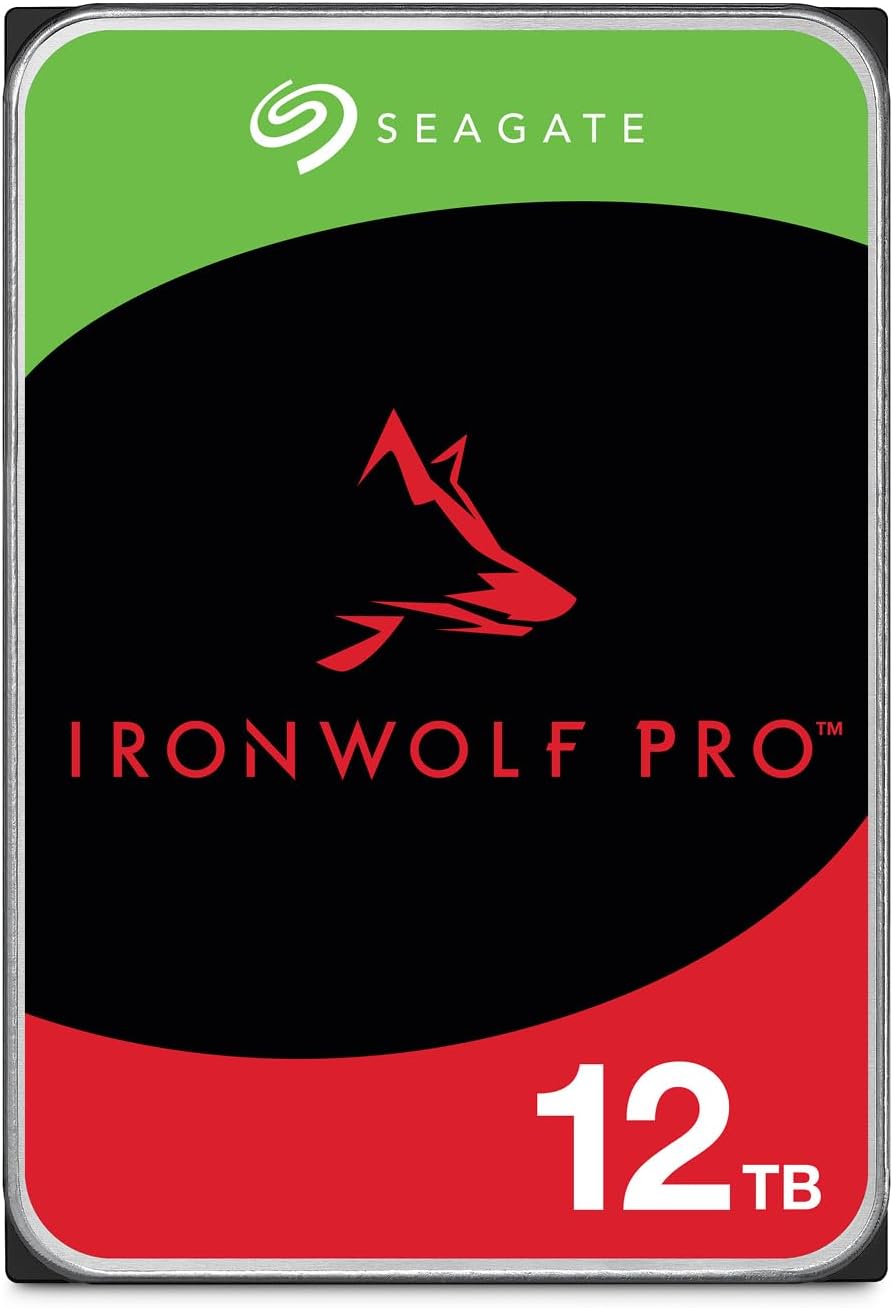
Seagate ST12000NT001
$459.99
In stock on Amazon
Check price on AmazonIronWolf Pro: Maximum Throughput, Maximum Acoustics
The IronWolf Pro runs at 7200 RPM across its entire capacity range — 4TB through 20TB. StorageReview’s analysis of IronWolf Pro performance under sustained workloads confirms the drive delivers clean sequential throughput under RAID rebuild stress, but does so at acoustic levels consistent with any 7200 RPM CMR drive. One reviewer of the WD Red Pro 16TB made a useful framing that applies equally here: a 7200 RPM CMR drive is supposed to sound like a 7200 RPM CMR drive. Seek noise, spin-up sound, and some vibration under heavy write activity are all expected behaviors, not defects.
The practical decision rule: If this drive will live in a rack, a server closet, or an enclosure that’s physically separated from your workspace, the noise delta between these lines probably doesn’t affect your day. If this drive is sitting within earshot — a desktop NAS, a home office shelf unit, a direct-attached enclosure — the WD Red Plus’s quieter profile is a real-world advantage, not a marketing footnote.
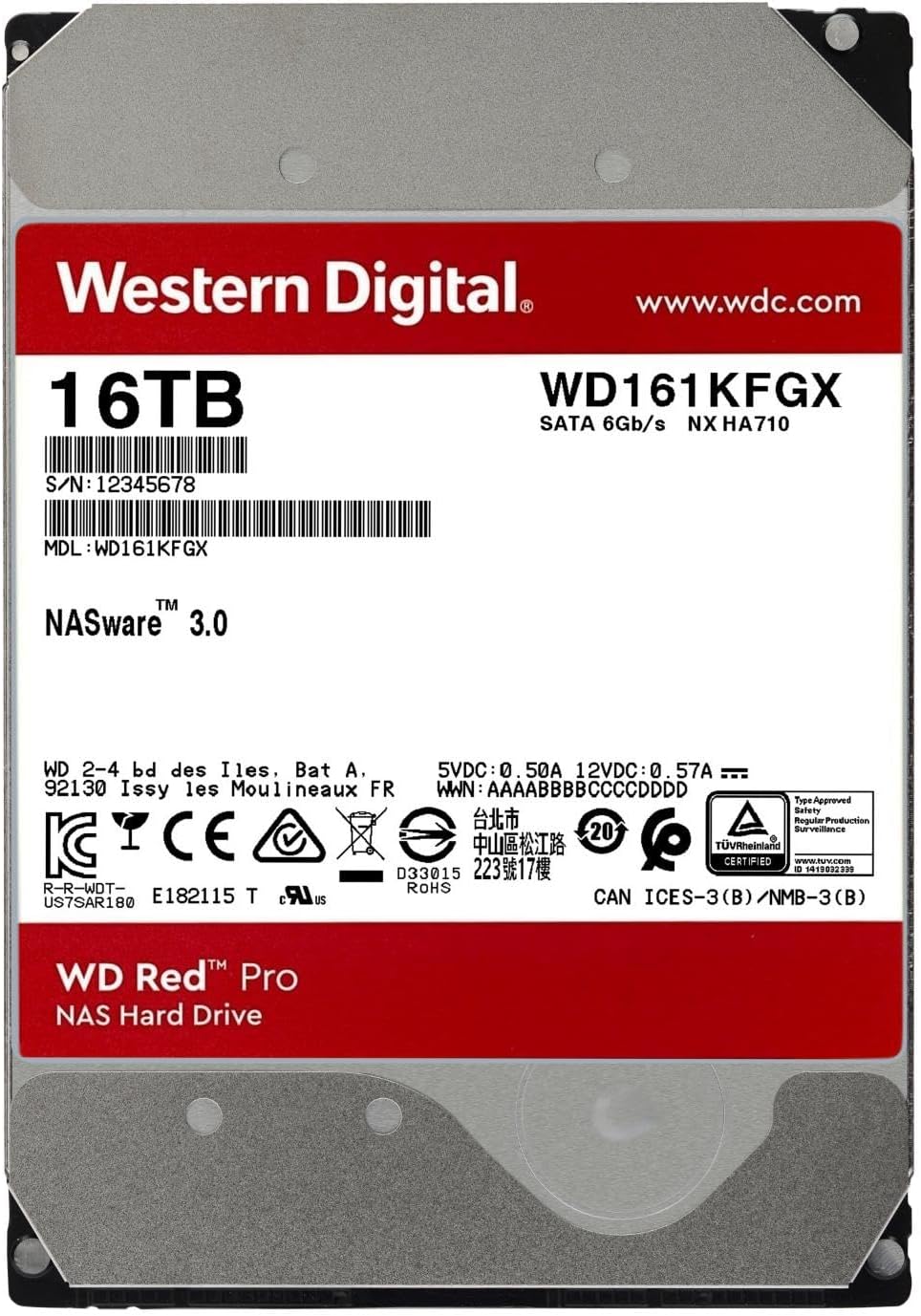
Western
$654.99
In stock on Amazon
Check price on AmazonCMR vs. SMR: Why Recording Technology Matters More Than RPM During a RAID Rebuild
Both the IronWolf and WD Red Pro lines use CMR — Conventional Magnetic Recording — which means each data track is written independently, without overlapping neighboring tracks. The alternative, SMR (Shingled Magnetic Recording), stacks tracks like roof shingles to increase density, but rewrites become significantly slower because the drive has to manage a write-cache translation layer.
Why does this matter to a NAS buyer specifically? RAID rebuilds. When a drive in a RAID array (a configuration that links multiple drives together for redundancy or performance) fails and you swap in a replacement, the remaining drives have to reconstruct all the lost data onto the new drive. This process can take 12–48 hours or longer for large drives. During that window, your array is vulnerable — a second drive failure while rebuilding is catastrophic. SMR drives under that kind of sustained, random write pressure have documented cases of timing out, which can cause RAID controllers to kick them out of the array mid-rebuild.
CMR drives don’t have this problem. StorageReview’s coverage of IronWolf Pro performance under RAID rebuild conditions confirms that CMR architecture handles the sustained sequential workload cleanly. Seagate and WD both officially rate their IronWolf and WD Red Pro lines as CMR; the confusion in the market arose a few years ago when WD briefly shipped some lower-tier Red drives with SMR without clear labeling — an episode that significantly damaged trust and made buyers more demanding about explicit CMR confirmation. Both brands now publish recording technology prominently in their spec sheets.
If you’re building any RAID configuration — RAID 1, RAID 5, RAID 6, or anything in between — CMR is a hard requirement, not a preference. Verify it in the spec sheet before you order, not after the drives arrive.
The IronWolf Pro 12TB DOA Signal: A Real Risk, Handled Honestly
There is a reliability signal in the IronWolf Pro 12TB owner record that deserves plain language rather than hedging: documented buyers have reported receiving dead-on-arrival drives out of multi-drive orders, with warranty service described as slow and unresponsive in terms of resolution speed.
A cluster of reports is not a recall. It doesn’t establish a fleet failure rate. But it surfaces a real category of risk: that with high-capacity drives at this price point, the warranty process matters as much as the warranty itself. A 3-year or 5-year warranty that requires two weeks of RMA (Return Merchandise Authorization) back-and-forth and cross-shipping fees is a very different proposition than one with advance replacement shipping.
Backblaze’s Hard Drive Stats 2024 Annual Report — one of the only sources of real-world fleet failure data at scale — does not specifically isolate the IronWolf Pro 12TB as a high-failure model. Backblaze runs custom deployment conditions that differ from home NAS users, so their data doesn’t map perfectly to consumer-scale builds. The honest answer: treat DOA reports as a prompt to verify your purchase channel and know your return window, not as a reason to categorically avoid the line.
Authorized channel matters here. Counterfeit and gray-market NAS drives do circulate, particularly through third-party marketplace sellers. Buying from Seagate or WD’s own storefronts, or from established authorized resellers, is the single easiest way to eliminate DOA risk from the supply chain rather than attributing it to the drive itself.
Heat and Non-NAS Use Cases: The Pattern Nobody Talks About
A notable pattern in owner reviews: a significant share of NAS drive buyers aren’t using them in traditional NAS enclosures at all. Documented use cases include direct-attached RAID enclosures (desktop RAID boxes connected via USB or Thunderbolt) and individual drives used directly as Time Machine backup destinations on macOS.
This matters for heat management. A true NAS enclosure is engineered with airflow paths, fan curves, and thermal monitoring designed specifically for 3.5-inch spinning drives running 24/7. A generic external enclosure may have none of that. WD Red Plus owners running drives in these alternative configurations report no meaningful heat problems at the 4TB and 6TB range under moderate use — but those configurations typically involve periodic backups, not continuous streaming. A 12TB or 16TB CMR drive spinning at 7200 RPM under sustained load in an enclosure that wasn’t designed for it is a different thermal situation entirely.
TechRadar’s Best NAS Hard Drives 2025 guide advises matching the enclosure’s thermal design to the drive’s rated operating environment — a detail that matters more as capacity and RPM increase together.
Drive Comparison at a Glance
| Drive | RPM | Recording | Typical Capacity Range | Owner Noise Report |
|---|---|---|---|---|
| Seagate IronWolf | 5400–7200 | CMR | 1TB–12TB | Quiet at 4TB; audible under load at 12TB |
| Seagate IronWolf Pro | 7200 | CMR | 4TB–20TB | DOA signal at 12TB; verify purchase channel |
| WD Red Plus | 5,640 | CMR | 1TB–14TB | Consistently reported as quietest option |
| WD Red Pro | 7200 | CMR | 2TB–24TB | Normal 7200 RPM behavior; not a defect |
Frequently Asked Questions
Is the noise from a 7200 RPM NAS drive normal, or is it a sign of a problem?
Almost always normal. A 7200 RPM drive spinning at full speed produces audible mechanical sound — seek noise when reading/writing, spin-up noise when waking from idle. What isn’t normal: clicking, grinding, repeated seeking patterns, or S.M.A.R.T. data showing reallocated sectors within the first week. Those are genuinely worth investigating.
What is CMR, and why does it matter for RAID rebuilds?
CMR (Conventional Magnetic Recording) writes each track independently. SMR (Shingled Magnetic Recording) overlaps tracks to increase density, but creates a write-speed penalty during rewrites. For RAID rebuilds — which demand hours of sustained, high-intensity write activity on the new drive — SMR drives have documented failure modes where they time out under pressure. CMR avoids this entirely. For any NAS build with redundancy, CMR is the correct choice.
How do I verify a new NAS drive is healthy before putting it into a RAID array?
Run a full surface scan before you commit the drive to a RAID. Tools like CrystalDiskInfo (Windows) or smartmontools (Linux/macOS command line) will pull the full S.M.A.R.T. report. Look specifically at “Reallocated Sectors Count,” “Pending Sector Count,” and “Uncorrectable Sector Count” — all three should read zero on a brand-new drive. Many NAS operating systems, including Synology DSM, include their own drive health tests in the storage manager. Use them before you initialize the array.
Do WD Red Plus drives run cool enough without a dedicated NAS enclosure?
For periodic backup workloads — Time Machine, weekly file syncs — owner reports suggest WD Red Plus drives at 4TB–6TB run acceptably cool in non-NAS enclosures. For continuous or near-continuous use, or at 10TB and above, an enclosure with active airflow is strongly advisable. Heat accumulation over months of operation without airflow is a long-tail reliability risk that doesn’t surface in short-term reviews.
What should I do if a brand-new NAS drive arrives DOA?
Document everything immediately: photograph the packaging, the drive’s label, and your S.M.A.R.T. output showing the failure. Contact the retailer first — a retailer DOA return is usually faster than going directly to the manufacturer’s RMA process. If you bought from an authorized channel, this process is typically clean. If you bought from a third-party marketplace seller, you may face a restocking dispute. Purchase channel is part of your reliability decision, not just the drive itself.
Can I use NAS-rated drives in a direct-attached enclosure instead of a true NAS?
Yes, and owners are already doing it — in desktop RAID boxes, Thunderbolt RAID enclosures, and as direct Time Machine targets. NAS-rated drives are designed for sustained, 24/7 operation and vibration compensation, which makes them appropriate for any always-on storage role. The caveat is thermal management: if your enclosure doesn’t actively cool the drive, you’re trading the drive’s durability design for a potential heat bottleneck. For light-to-moderate backup use cases, this is a reasonable trade. For continuous production workloads, match the enclosure to the drive’s operating requirements.
The bottom line: If silence is a priority and you’re building at 4TB–10TB per bay, the WD Red Plus’s engineered quietness is a genuine differentiator backed by consistent owner reports. If you’re scaling to 12TB or beyond and performance headroom matters more than acoustics, the IronWolf earns its place — but verify your purchase channel, run a S.M.A.R.T. check before committing to the array, and know what your retailer’s DOA policy looks like before the drives ship.