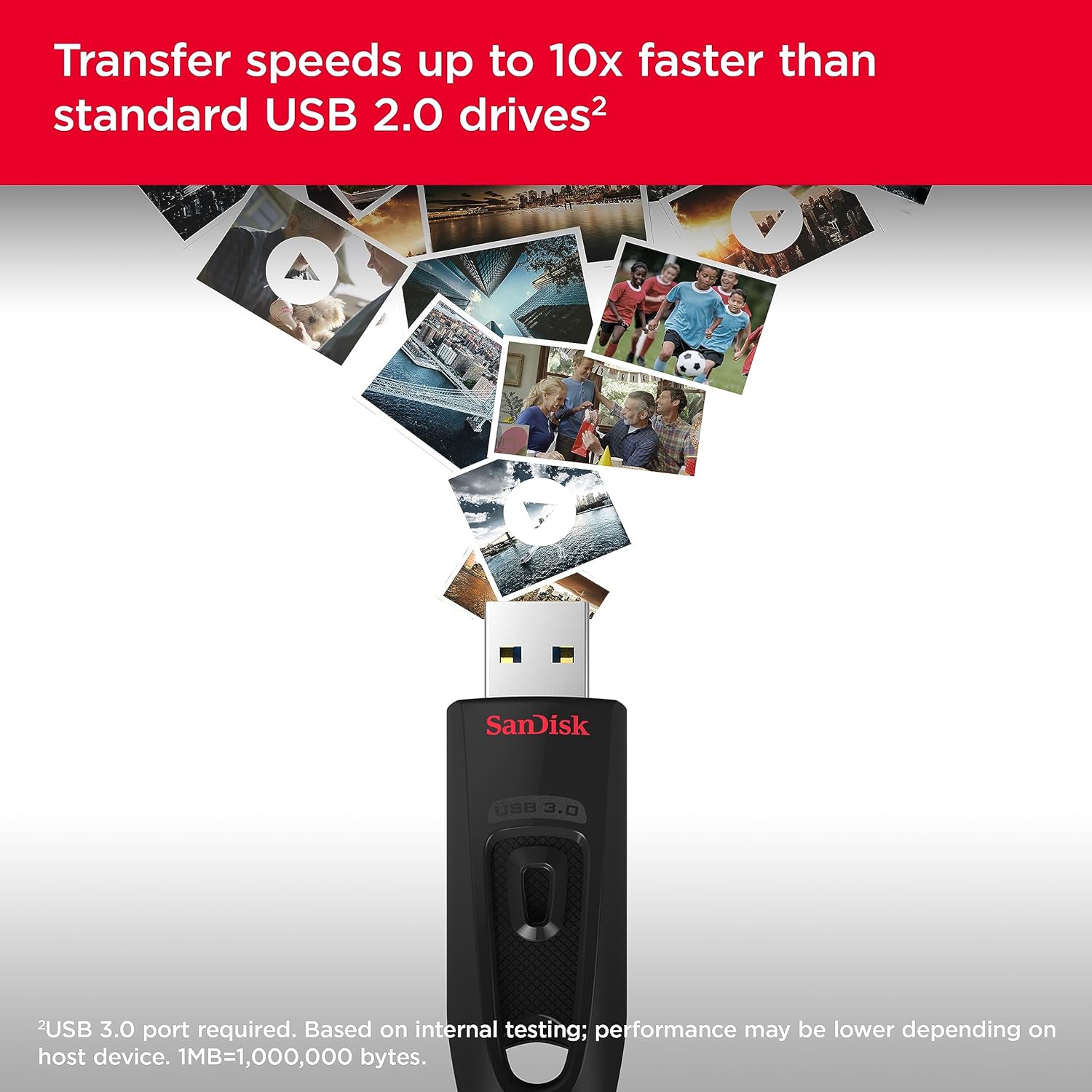
A flash drive — the small thumb-sized stick you plug into a computer to carry files — sounds almost retro in 2026. But a specific sub-category has earned a genuine second life: dual-connector drives that have a USB-C plug on one end and a USB-A plug on the other. USB-C is the newer oval-shaped port found on almost every recent phone, tablet, Mac, and PC. USB-A is the older rectangular port that still ships on the majority of Windows laptops and desktop monitors. A drive that carries both means you never need a dongle, an adapter, or a second device in the middle. For anyone moving large video files off a smartphone directly to a laptop — without a cloud round-trip and without waiting on a slow wireless sync — that matters more than it sounds.
This guide is aimed at practitioners who already understand the basics and want a clear decision framework: which drive class fits which workflow, what the speed specs actually mean in practice, and where the real tradeoffs live. If you’re offloading weekend video shoots, managing a 3D printing file library across devices, or occasionally handing physical evidence to a police department, the calculus is genuinely different in each case. We’ll walk through it.
The Speed Reality Check: USB 3.2 Gen 1 vs Gen 2 Is Not a Minor Footnote
This is the single most important calibration before you buy anything in this category. The USB 3.2 standard — which most drives in this class market themselves under — contains two very different tiers:
USB 3.2 Gen 1: Maximum theoretical bandwidth of 5 Gbps, or roughly 500–600 MB/s at the bus level. Real-world flash drive performance typically lands between 100–200 MB/s read and 30–100 MB/s write, depending on the drive’s internal NAND.
USB 3.2 Gen 2: Maximum theoretical bandwidth of 10 Gbps, or roughly 1,000–1,200 MB/s at the bus level. Real-world SSD-based drives can approach 1,000 MB/s read. Flash drives using Gen 2 can reach 400–600 MB/s read in ideal conditions.
Per Tom’s Hardware’s 2024 explainer on USB 3.2 generations, the confusion is endemic to the category because manufacturers are not required to print “Gen 1” or “Gen 2” on packaging — they can simply say “USB 3.2” and let the shopper assume. One Lexar D40E reviewer noted exactly this: the drive is USB 3.2 Gen 1, and real-world speeds reflect that ceiling. That’s not a flaw. It just means buyers expecting NVMe-class throughput will be disappointed.
By the numbers — what the specs actually mean for a 10GB video file:
| Interface | Theoretical max | Practical write speed | Time to offload 10 GB |
|---|---|---|---|
| USB 3.2 Gen 1 flash | 5 Gbps | ~60–100 MB/s | 1.7–2.8 min |
| USB 3.2 Gen 2 flash | 10 Gbps | ~200–400 MB/s | 0.4–0.8 min |
| USB 2.0 (older drives) | 480 Mbps | ~25–35 MB/s | 5–7 min |
If you’re offloading 250–300 GB of phone video per weekend — a scenario multiple Samsung Type-C reviewers describe as their actual use case — that difference compounds. A Gen 1 drive gets the job done; a Gen 2 drive gets it done significantly faster on a host that supports 10 Gbps throughput.
The practical check: your phone’s USB-C port also has a generation rating. Most Android flagships from 2023 onward support USB 3.2 Gen 2 or USB 3.1 Gen 2 (same spec, rebranded). Budget Android phones and most iPhones below the iPhone 15 Pro cap out at USB 2.0 or USB 3.2 Gen 1. If your phone is the bottleneck, paying a premium for a Gen 2 drive buys you nothing.
Four Drives, Four Use Cases
Samsung Type-C USB Flash Drive
Owners who shoot heavy phone video — the 250–300 GB weekend videographer profile — consistently name the Samsung Type-C as the drive that makes MTP obsolete. MTP (Media Transfer Protocol) is the method Android phones use by default when you connect them to a computer. It’s notoriously slow because it routes each file through a protocol layer designed for media players, not for bulk data movement. A direct USB-C drive bypasses MTP entirely: the phone mounts the drive as external storage, and files copy at the drive’s native transfer rate.
Samsung’s build quality reputation in NAND storage is strong, and across aggregated reviews the pattern is consistent: reliable, fast-enough for Gen 1 throughput, and the metal housing feels durable in daily carry. The tradeoff is price-per-terabyte — Samsung commands a modest premium over the Lexar options for equivalent capacity.
Lexar D40E
The D40E is the choice that shows up in the most eclectic use-case reports. One buyer uses it specifically for 3D printing workflows — slicing files on a phone, transferring to a tablet for preview, then delivering to a printer via USB-A. Another purchased it to submit dashcam footage to police as evidence, and made a point that resonates: at its price point, the D40E is an acceptable disposable. That’s a legitimate purchasing criterion. If there’s a reasonable probability you won’t get the drive back — evidence submission, leaving a file delivery with a client, shipping a drive to a collaborator — a drive that doesn’t sting to lose has real value.
Multiple D40E reviewers note it is USB 3.2 Gen 1, and speeds reflect that. TechRadar’s 2025 roundup of USB-C flash drives confirms this as a common pattern in the sub-$40 dual-connector category: Gen 1 is the norm, Gen 2 is the exception.
SanDisk Ultra Dual Drive
The SanDisk Ultra occupies the most useful middle position in this category: widely available, well-understood, and — critically — reviewers explicitly vouch for physical durability in ways that matter. Owner reports include drops, being stepped on, and being compressed in bags. The drive survived. Wirecutter’s flash drive guide consistently cites SanDisk as a durability benchmark in the consumer flash category, and the owner-reported evidence supports that.
The honest capacity reality check comes from a 53-year-old SanDisk Ultra buyer who put it plainly: 128 GB is “barely enough for last weekend’s vacation.” That’s not a criticism of the drive — it’s a calibration for buyers. A family shooting modern smartphone video at 4K 60fps fills 128 GB faster than feels intuitive. Size up. The 256 GB variant of any drive in this category is the practical starting point for anyone shooting actively.
Lexar A30E
The A30E positions itself at the entry point of the dual-connector category — lower price, lower ceiling. It’s the right answer for the disposability use case or for users who need a standardized file-delivery format across heterogeneous devices and can tolerate slower transfer rates. It is not the answer for anyone offloading multi-gigabyte video daily.
The Backup Question: Are These Drives Reliable Enough?
StorageReview’s 2024 analysis of flash drive endurance benchmarks and PCMag’s ongoing flash drive testing both arrive at the same honest conclusion: consumer-grade flash drives are not purpose-built backup media. They use TLC or QLC NAND, which has lower write endurance than the MLC NAND found in enterprise SSDs. The practical implication: a dual-USB flash drive is an excellent first-copy transport layer, not a sole-copy archive.
In a proper 3-2-1 backup architecture (three copies, two media types, one offsite), a flash drive fits as the “transport” element — a working copy you carry, not the backup copy you protect. The hierarchy matters:
- Working copy: dual-connector flash drive (fast, portable, disposable if needed)
- Primary backup: external SSD or NAS (durable, higher endurance)
- Offsite/cloud backup: Backblaze B2 or equivalent (the copy that survives a physical loss event)
Using a flash drive as your only backup is a bet against TLC NAND endurance, heat exposure in a bag or car, and the statistical reality that small drives get lost. That’s not a reason to avoid them — it’s a reason to be clear about where they sit in your stack.
Decision Rules
If your phone is the bottleneck (USB 2.0 or Gen 1 port): Any Gen 1 dual-connector drive gets you the same result. Buy on price and durability. The SanDisk Ultra or Lexar D40E at 256 GB is the pragmatic choice.
If your phone supports USB 3.2 Gen 2 and you’re offloading 100+ GB per session: The Gen 1 ceiling will feel slow over time. Look for drives explicitly rated Gen 2 and verify the host-side port supports it before paying the premium.
If durability and daily carry are the primary concern: Owner-reported evidence favors SanDisk Ultra’s physical resilience. Metal housings across all four drives perform better in drop reports than plastic equivalents, per aggregated owner reviews.
If disposability is a feature, not a bug: The Lexar D40E’s price-to-performance ratio makes it the evidence-submission, client-delivery, and “I might not get this back” choice. Several reviewers have made this calculation explicitly.
If you’re a working photographer using this as an offload tool: 256 GB is the floor, not a luxury. A 20-megapixel RAW file runs 25–45 MB; a single 4K ProRes clip from an iPhone runs 6 GB per minute at high quality. A weekend shoot fills 256 GB faster than most buyers expect.
Frequently Asked Questions
What is the real transfer speed difference between USB 3.2 Gen 1 and Gen 2 flash drives? Gen 1 tops out at 5 Gbps theoretical bandwidth, with real-world flash drive writes typically landing between 60–100 MB/s. Gen 2 doubles the theoretical ceiling to 10 Gbps, enabling drives to reach 200–400 MB/s in practice. For a 10 GB file, that’s the difference between roughly 2 minutes and under 1 minute. Per Tom’s Hardware’s USB 3.2 explainer, the confusion is compounded by marketing that doesn’t always specify the generation.
Can I use a dual USB-C and USB-A flash drive to transfer videos directly from my iPhone without a computer? Yes, with a condition: iPhones running iOS 17 or later (on iPhone 15 and newer, which have USB-C ports) can mount external storage directly. Older Lightning-port iPhones require an adapter and have significant speed limitations. Android phones with USB-C ports generally support direct-to-drive transfers by switching to “file transfer” mode, bypassing MTP.
Is 256 GB enough storage for a working photographer using a flash drive as an offload tool? As a day-kit offload buffer, yes — for most one-day shoots. As the only copy of a multi-day project, no. A 256 GB drive holds roughly 5,000–8,000 RAW files from a 24-megapixel camera body, or about 40 minutes of 4K ProRes at high quality. It’s a transport layer, not an archive.
Are dual-connector flash drives reliable enough to use as a backup — or are they just for file transfers? They are best understood as transport and working-copy tools. TLC NAND, which most consumer flash drives use, has lower write endurance than external SSDs. Per StorageReview’s 2024 endurance analysis, consumer flash drives are appropriate for the transport role in a 3-2-1 stack, not as the primary or sole backup copy.
Why is MTP so slow for phone video transfers and does a direct USB-C drive actually solve it? MTP (Media Transfer Protocol) routes each file through an abstraction layer originally designed for media players, not bulk file movement. It handles files sequentially, cannot parallelize transfers, and adds protocol overhead. Mounting a USB-C drive as external storage bypasses MTP entirely, allowing the phone’s file system to copy at the drive’s native speed. Samsung Type-C reviewers who shoot 250–300 GB per weekend cite this as the core reason they switched.
How durable are metal-housing flash drives compared to plastic ones for everyday carry? Owner reports consistently favor metal housings for impact resistance and longevity. SanDisk Ultra reviewers specifically report surviving drops, being stepped on, and bag compression. Plastic housings are more susceptible to cracking under lateral force — the kind of stress common in packed bags or pockets. For everyday carry and active workflow use, a metal housing is worth the marginal price premium.