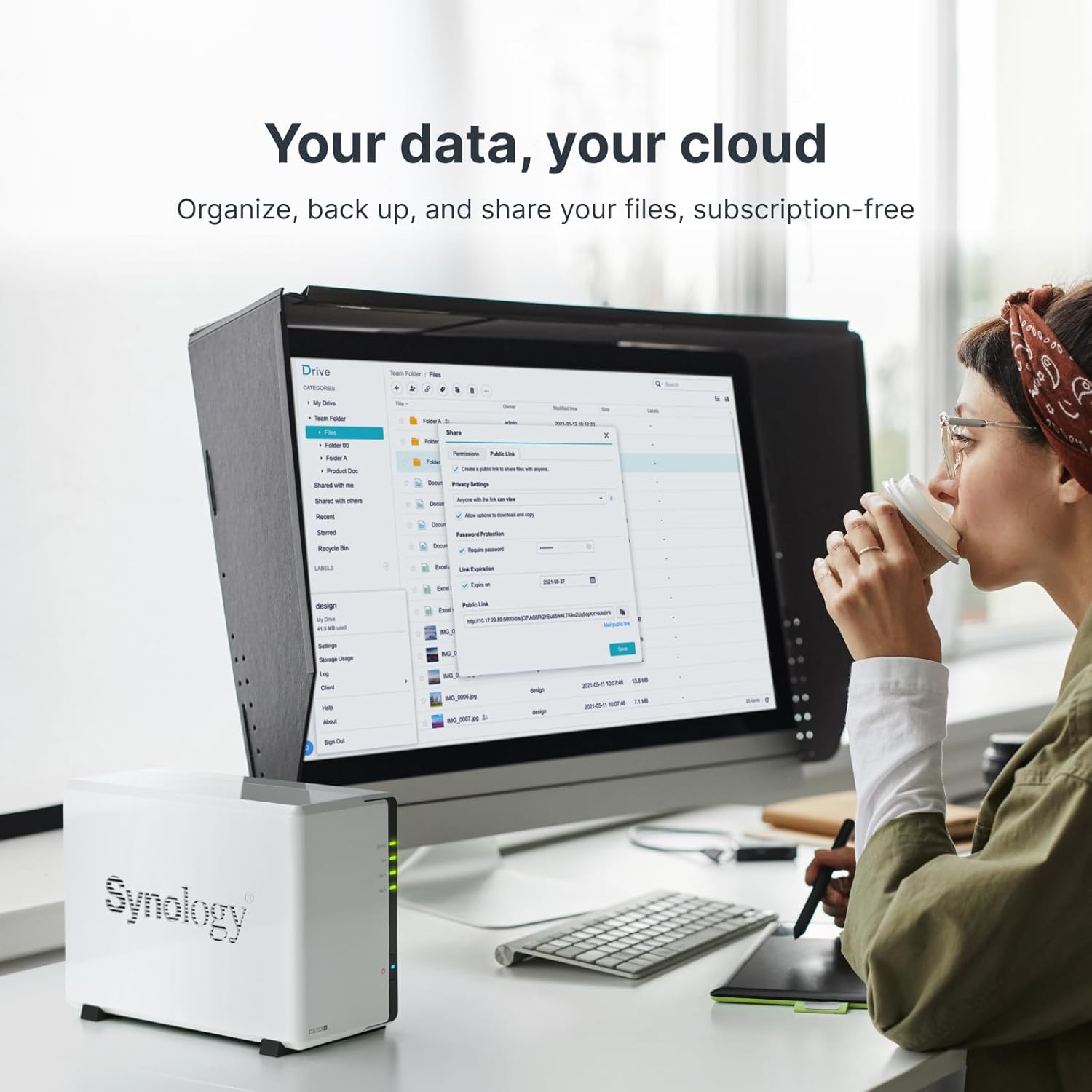
A NAS — short for Network Attached Storage, which just means a small box full of hard drives that sits on your home or office network and acts like a private server — sounds more intimidating than it is. Think of it as a personal cloud drive that you own outright, that lives in your closet, and that nobody else has access to. You plug it into your router, load in some drives, and every device on your network can reach it. That’s the whole idea. The reason this matters right now, in mid-2026, is that drive prices have settled into a genuinely good window — per-terabyte costs on spinning hard drives are around $15–$20/TB for 8TB desktop drives, per current retail pricing — and the software running NAS enclosures has gotten approachable enough that you don’t need a computer science background to run one. This guide will walk you through choosing your first enclosure by starting with one question most buying guides skip entirely: how much would it cost you if this data disappeared tomorrow?
| EDITOR'S PICK[UGREEN NAS DXP2800 2-Bay Deskto](https://www.amazon.com/dp/B0D22HBFK1?tag=greenflower20-20)… | Mid-tier[BUFFALO LinkStation 710 4TB 1-B](https://www.amazon.com/dp/B08V5LFRDW?tag=greenflower20-20)… | Budget pick[Synology 2-Bay DiskStation DS22](https://www.amazon.com/dp/B0CB5VP5YK?tag=greenflower20-20)… | |
|---|---|---|---|
| Bay count | 2-bay | 1-bay | 2-bay |
| CPU | Intel N100 | — | — |
| RAM | 8GB DDR5 | — | 1GB DDR4 |
| Network | 2.5GbE | — | — |
| HDD included | — | 4TB (1x4TB) | ✗ |
| Price | $329.99 | $241.99 | $151.04 |
| See on Amazon → | See on Amazon → | See on Amazon → |
Why Your Budget Is the Wrong Starting Point
Most people shop for a NAS the same way they shop for a USB drive: they set a budget, find the cheapest thing that fits, and buy it. That logic works fine for a thumb drive holding presentation slides. It fails for a NAS, because a NAS exists to protect things that can’t be replaced — a decade of family photos, a client project archive, a freelance portfolio, a small business’s financial records.
The right framework flips the question. Instead of “what can I afford to spend?”, ask: what would it cost me — in time, money, or irreplaceable loss — if this storage failed and I had no backup of my backup?
That reframe matters because a NAS is not just storage. It’s the local leg of what backup professionals call a 3-2-1 architecture: three copies of your data, on two different media types, with one copy stored offsite (typically cloud). The NAS is your “2” — the on-site redundant copy. If you underbuy the enclosure and it fails during a disaster, you’ve lost the one physical copy you could restore from quickly. Cloud restores are slow. Restoring 4TB from Backblaze B2 at typical residential download speeds can take days, not hours.
This is the cost most enclosure reviews don’t surface. Let’s fix that.
The Four Buyer Profiles — and the Enclosure Logic Behind Each
Profile 1: The Home User With One Drive’s Worth of Data
Data at stake: Family photos, personal documents, maybe a small media library. Under 2TB total. Losing it would be painful but financially replaceable with time and effort.
The right enclosure tier: A 2-bay NAS at the $200–$350 price point. The Synology DS223 or the QNAP TS-233 both sit in this range and run mature, well-documented software. At this tier, you’re not buying redundancy for uptime — you’re buying a smarter local copy paired with a cloud subscription.
The math that matters: A 2-bay unit lets you run two drives in RAID 1 (mirroring — where both drives hold identical copies, so one can fail without data loss) or use both drives independently to double capacity. Tom’s Hardware’s guide to RAID levels explains this clearly: RAID 1 protects against drive failure but doesn’t protect against ransomware, accidental deletion, or the unit itself dying. That’s why the cloud tier still matters even if you’re mirroring locally.
Don’t skip this: Set a monthly calendar reminder to run a restore test. Pull one file, restore it to your desktop, confirm it opens. Untested backups are not backups — they’re hopes. StorageReview has documented cases where NAS arrays showed healthy status indicators while drives had silent corruption accumulating for months.
Profile 2: The Freelancer or Prosumer With an Active Working Library
Data at stake: Client deliverables, an active project library, 2–8TB of files you actively work from. Some of it is billable work in progress. Losing a month of client files could mean refund requests, lost relationships, and reputation damage.
The right enclosure tier: A 4-bay NAS in the $400–$700 range. The Synology DS423+ sits here. Four bays let you run RAID 5 (which distributes data across three or more drives with one drive’s worth of parity — meaning one drive can fail and you lose nothing) while still leaving expansion headroom. PCMag’s review of the DS923+ consistently notes that the jump from 2-bay to 4-bay isn’t just about capacity — it’s about having a real rebuild window when a drive fails.
The tradeoff to name explicitly: RAID 5 with 4TB drives gives you a rebuild time of 12–24 hours under typical home network load. During that rebuild, a second drive failure kills the array. Backblaze’s Drive Stats Q4 2025 data continues to show that drives in their second and third years have non-trivial annualized failure rates — in the 1–3% range depending on model. Two drives failing during an active rebuild is unlikely but not theoretical. If that scenario terrifies you (it should, mildly), run RAID 6 instead — two drives of parity, two drives can fail — at the cost of one drive’s worth of usable capacity.
On egress costs: If your cloud tier is Backblaze B2 (egress is free to Cloudflare-connected services, $0.01/GB otherwise) or Wasabi (no egress fees), restoring 4TB costs you almost nothing beyond time. If you’re on a provider with $0.09/GB egress — common among major hyperscalers — that same 4TB restore costs roughly $360 before you factor in the panic. Always price your restore, not just your storage.
Profile 3: The Creative Professional With Multi-Terabyte RAW or ProRes Libraries
Data at stake: 10–50TB of irreplaceable creative work. Original RAW files from years of shoots, ProRes master files, motion design source assets. This is your professional history and your resale inventory.
The right enclosure tier: A 4-bay to 8-bay high-performance unit, paired with a hardware RAID card or a purpose-built enclosure. The Synology DS923+ (which supports NVMe SSD caching and 10GbE via expansion card) and the OWC ThunderBay 4 — a Thunderbolt-connected RAID enclosure for Mac-centric workflows — both appear consistently in TechRadar’s coverage of prosumer NAS and direct-attach storage for creative professionals.
Key distinction: the OWC ThunderBay 4 is direct-attach storage, not true NAS. It connects via Thunderbolt directly to one machine with exceptional throughput — reviewers note it handles sustained 4K ProRes workflows without dropping frames — but it doesn’t serve the rest of your network. That’s fine if you’re a solo operator. If two editors need simultaneous access to the same library, you want a true NAS with 10GbE.
By the numbers:
| Enclosure Type | Approx. Price | Max Usable Capacity (8TB drives) | Network Speed | Best For |
|---|---|---|---|---|
| 2-bay NAS (e.g., Synology DS223) | ~$300 | ~8TB (RAID 1) | 1GbE | Home users, small doc libraries |
| 4-bay NAS (e.g., Synology DS423+) | ~$550 | ~24TB (RAID 5) | 1–2.5GbE | Freelancers, prosumers |
| 4-bay DAS (e.g., OWC ThunderBay 4) | ~$500+ | ~32TB (RAID 5) | Thunderbolt 3/4 | Solo creatives, video editors |
| 8-bay NAS (e.g., Synology DS1823xs+) | ~$1,400+ | ~56TB (RAID 6) | 10GbE built-in | Studios, multi-user teams |
Pricing as of May 2026 retail; capacity figures assume 8TB drives and standard RAID configurations.
Profile 4: The Small Business or IT Decision-Maker Evaluating Backup Infrastructure
Data at stake: Operational continuity. Customer records, financial data, proprietary process documentation. A ransomware incident or hardware failure isn’t just inconvenient — it’s a potential regulatory and liability event.
At this tier, the NAS enclosure conversation merges with the broader business continuity stack. You’re no longer just buying a box; you’re buying an architecture. Synology’s Active Backup for Business (bundled with qualifying NAS units) can protect Windows endpoints, virtual machines, and Microsoft 365 — with versioning and bare-metal restore — without per-seat licensing. Veeam and Acronis Cyber Protect enter the picture when you need centralized reporting, compliance exports, or multi-site management that Synology’s ecosystem doesn’t cover natively.
The honest tradeoff: Synology’s ABB is cost-competitive and deeply integrated with the hardware, but it ties your backup management to a single-vendor stack. Veeam, per StorageReview’s enterprise NAS roundup coverage, offers more platform flexibility but adds licensing overhead that can run $500–$2,000+ annually for small deployments.
The Decision Rule You Actually Need
After all of it, here’s the clean if/then framework:
If your data is personal and under 2TB → Buy a 2-bay NAS at $200–$350, run RAID 1, add a cloud subscription at $7–$12/month, test a restore quarterly.
If you’re a freelancer with active client work and 2–8TB → Buy a 4-bay NAS at $400–$600, run RAID 5 or RAID 6, pair with Backblaze B2 or Wasabi for offsite (price the egress before you commit), and test a full folder restore monthly.
If you’re a creative professional with 10TB+ of irreplaceable work → Evaluate whether your workflow is single-workstation (lean toward Thunderbolt DAS) or multi-user (commit to 10GbE NAS). Budget for drives separately from the enclosure — the enclosure is a long-term platform; the drives are a consumable.
If you’re making a business backup decision → The enclosure is a line item, not the decision. The decision is RTO (how fast you need to be back up after a failure) and RPO (how much data loss you can survive). NAS enclosures can be the right answer or a piece of a larger answer. Define those two numbers first.
One last thing that trips up almost every first-time NAS buyer: counterfeit and gray-market drives on major marketplaces are a real problem. Backblaze’s own drive procurement guidance, published in their blog, recommends buying drives only from authorized distributors — B&H Photo, Adorama, and direct manufacturer storefronts are consistently cited. An 8TB drive from an unknown third-party seller at a suspicious discount is not a bargain. It’s an untested drive in your only on-site backup, and no RAID level protects you from a drive that was never what it claimed to be.
Match the enclosure to what you’d lose. The right box is the one that makes that loss survivable — or better yet, impossible.